Cron Expressions Explained: Schedule Jobs Without Guesswork
By Byteary Team · Sep 15, 2026 · 3 min read
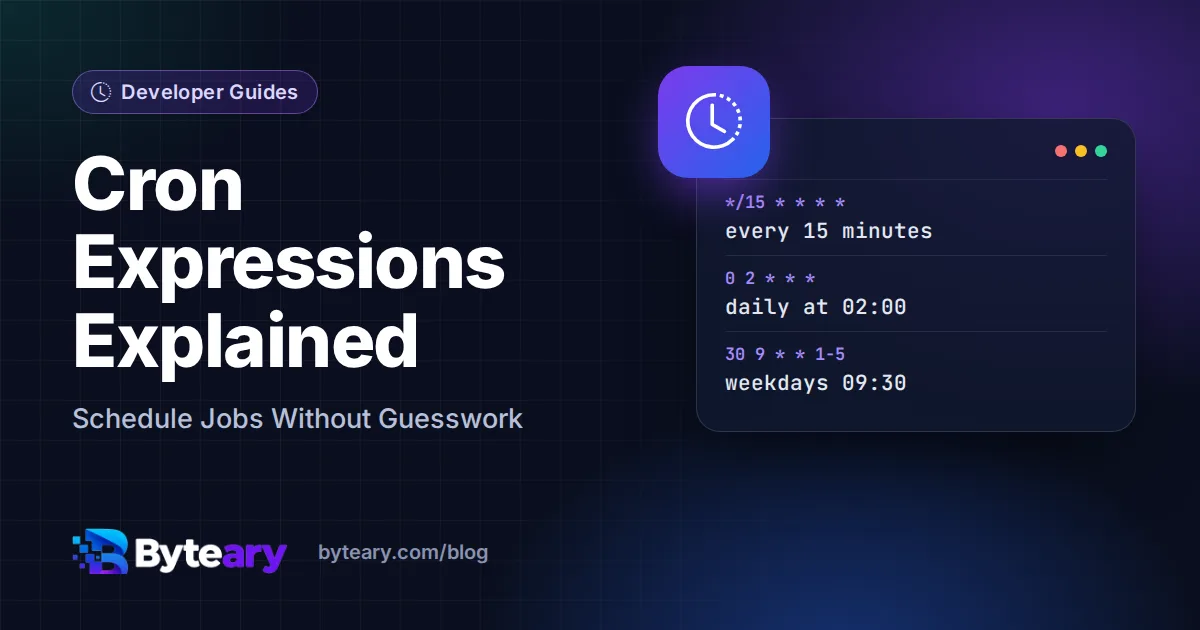
Backups at 2 a.m., a report every Monday, a cleanup script every fifteen minutes - cron has been running scheduled jobs on Unix systems since the 1970s, and its syntax has spread to GitHub Actions, Kubernetes, cloud schedulers and most job queues. The syntax is compact, which makes it easy to write and easy to get slightly wrong.
The five fields
┌───────────── minute        (0-59)
│ ┌─────────── hour          (0-23)
│ │ ┌───────── day of month  (1-31)
│ │ │ ┌─────── month         (1-12)
│ │ │ │ ┌───── day of week   (0-6, Sunday = 0)
│ │ │ │ │
* * * * *  command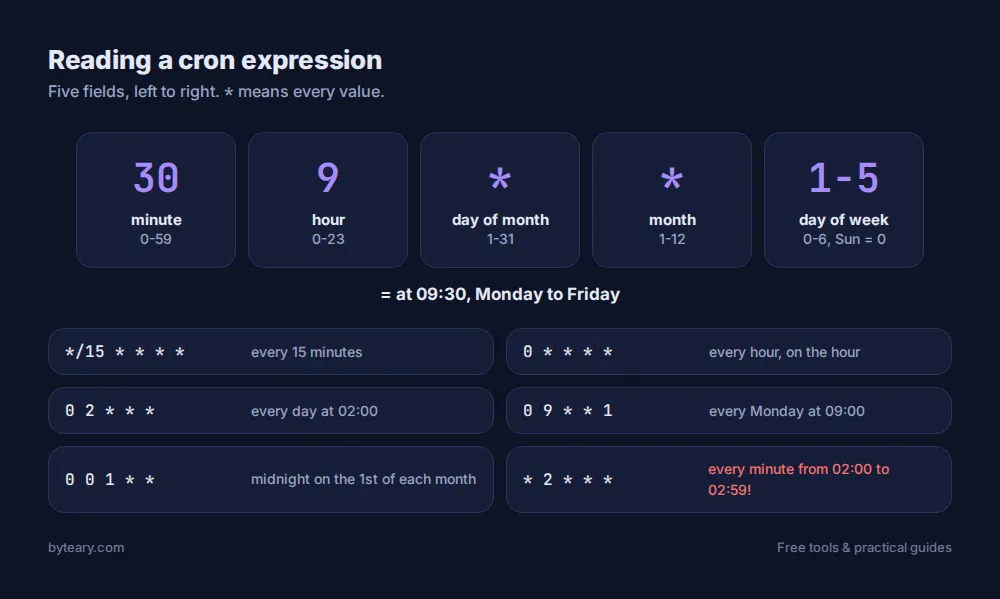
The special characters
| Symbol | Meaning | Example |
|---|---|---|
* | Every value | * in hour = every hour |
, | A list | 1,15 in day of month = the 1st and 15th |
- | A range | 1-5 in day of week = Monday to Friday |
/ | A step | */15 in minute = every 15 minutes |
The schedules you will use most
| Expression | Runs |
|---|---|
*/15 * * * * | Every 15 minutes |
0 * * * * | Every hour, on the hour |
0 2 * * * | Every day at 02:00 |
30 9 * * 1-5 | 09:30 on weekdays |
0 9 * * 1 | Every Monday at 09:00 |
0 0 1 * * | Midnight on the 1st of every month |
Build and check one with the Cron Expression Builder: start from a preset such as "Every 15 min" or "Weekly (Monday)", edit it, and click Explain Schedule to see each field broken down, with a plain-English summary for common schedules. If you want a complete crontab line with the command included, the Crontab Generator writes that for you.
The mistakes everyone makes once
1. Forgetting the minute
* 2 * * * does not run "at 2 a.m." - it runs every minute from 02:00 to 02:59, sixty times. You almost always want 0 2 * * *.
2. Day of month and day of week together
In classic cron, if both are restricted, the job runs when either matches. 0 9 13 * 5 runs on every 13th and every Friday, not only on Friday the 13th.
3. Time zones
Cron uses the server's time zone. Many cloud servers run on UTC, so "9 a.m." in your crontab could be 2:30 p.m. in India. GitHub Actions schedules are always in UTC. Check with timedatectl on Linux, and write down which zone you meant in a comment next to the job.
4. A different environment
Cron runs with a minimal PATH and no shell profile. A script that works in your terminal can fail silently under cron. Use full paths (/usr/bin/php, not php) and redirect output to a log so you can see errors:
0 2 * * * /usr/bin/php /var/www/app/artisan backup:run >> /var/log/backup.log 2>&15. Overlapping runs
If a job every five minutes sometimes takes seven, two copies end up running at once. Use a lock - flock on Linux, or your framework's "without overlapping" option.
Cron outside Linux
The same idea shows up everywhere, with small differences:
- GitHub Actions - standard five fields, always UTC. See the GitHub Actions Cron Helper.
- AWS EventBridge - six fields including year, and one of day-of-month or day-of-week must be
?. The AWS Cron Expression Helper handles the format. - Kubernetes CronJobs - standard five fields, with an optional time zone setting. Generate a manifest with the Kubernetes CronJob Generator.
The crontab format itself is documented in man 5 crontab, also available online at man7.org. If your cron job writes files the web server needs to read, check the permissions too - our chmod guide explains how.