HTTP Status Codes Explained: 200, 301, 404, 500 and the Ones That Matter for SEO
By Byteary Team · Sep 14, 2026 · 4 min read
Before a browser shows a single pixel, the server answers with a three-digit status code. Visitors never see it unless something goes wrong. Search engines see it on every request, and use it to decide whether to index a page, follow a redirect, or drop the URL altogether.
The five families
| Range | Meaning |
|---|---|
| 1xx | Informational - rarely seen in practice |
| 2xx | Success |
| 3xx | Redirection - look somewhere else |
| 4xx | Client error - the request was wrong or the page is not there |
| 5xx | Server error - the server failed |
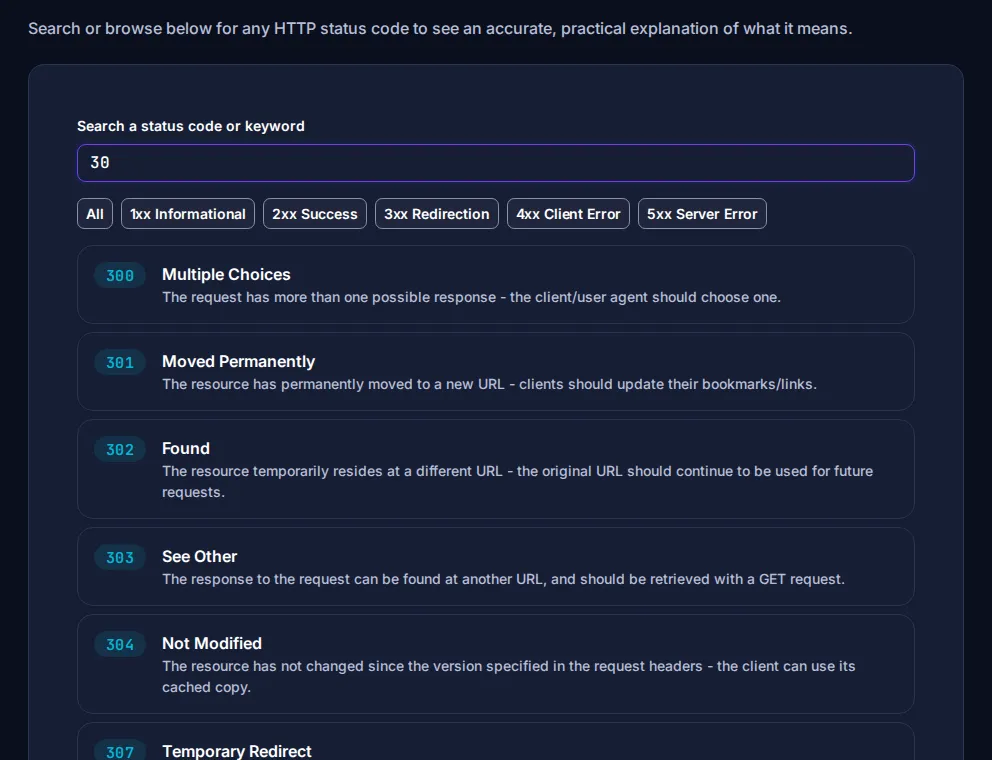
Look up any code with the HTTP Status Code Lookup: search by number or keyword, or filter by family.
The codes you will actually deal with
200 OK
Everything worked. Every page you want in Google should return 200.
301 Moved Permanently and 308 Permanent Redirect
The page has moved for good. Browsers and search engines update to the new URL, and ranking signals are passed on. Use a 301 when you change a URL, move to HTTPS, switch between www and non-www, or merge two pages.
302 Found and 307 Temporary Redirect
The page is somewhere else for now. Use these for genuinely temporary situations, such as a maintenance page or a short promotion. A 302 left in place for a permanent move is one of the most common technical SEO mistakes.
304 Not Modified
The browser already has the latest copy in its cache, so the server sends nothing new. This is good - it means caching is working (see our guide to compression and caching).
404 Not Found and 410 Gone
The page does not exist. A 404 for a genuinely deleted page is normal and does not harm the rest of your site. 410 says the removal is deliberate and permanent, which some search engines process slightly faster. What you should avoid is the "soft 404": an error page that returns 200, so search engines index a page that says "not found".
403 Forbidden
The server understood but refuses. Often a permissions problem on the server (see chmod explained) or a firewall blocking a visitor.
429 Too Many Requests
Rate limiting. Common with APIs, and sometimes triggered by aggressive crawlers or scanners.
500, 502, 503 and 504
- 500 Internal Server Error - the application crashed. Check your error logs.
- 502 Bad Gateway - a proxy or load balancer got a bad answer from the application behind it, often because PHP-FPM or Node crashed.
- 503 Service Unavailable - temporarily down, usually for maintenance or overload. This is the right code for planned maintenance, because it tells search engines to come back later.
- 504 Gateway Timeout - the application took too long to respond.
An occasional 5xx is not a disaster. Errors that last for days make search engines crawl less and eventually drop pages.
How to check a URL
- Enter the URL in the HTTP Status Checker and click Check HTTP Status.
- If it redirects, use the Redirect Checker to see every hop to the final page, with the status code of each.
The Redirect Checker follows up to five server-side redirects and detects loops. A chain like http://example.com → https://example.com → https://www.example.com → /home is worth shortening to a single hop - each extra redirect adds a round trip and wastes crawl budget.
Find broken links on a page
The Broken Link Checker looks at the links on a page (the first 15) and reports any that return errors. It is a quick sanity check after a redesign or URL change.
A practical redirect checklist for site moves
- Map every old URL to its closest new equivalent, not just to the homepage.
- Use 301 (or 308) redirects, one hop each.
- Update internal links to point straight to the new URLs.
- Update your sitemap so it only lists final URLs - see our robots.txt and sitemap guide.
- Keep the redirects in place for at least a year.
Need to write the rules? Our Nginx Redirect Generator and .htaccess Generator produce ready-to-paste configuration. The complete list of codes is maintained on MDN's HTTP status reference.