How to Decode a JWT (and Why Decoding Is Not Verifying)
By Byteary Team · Aug 28, 2026 · 3 min read
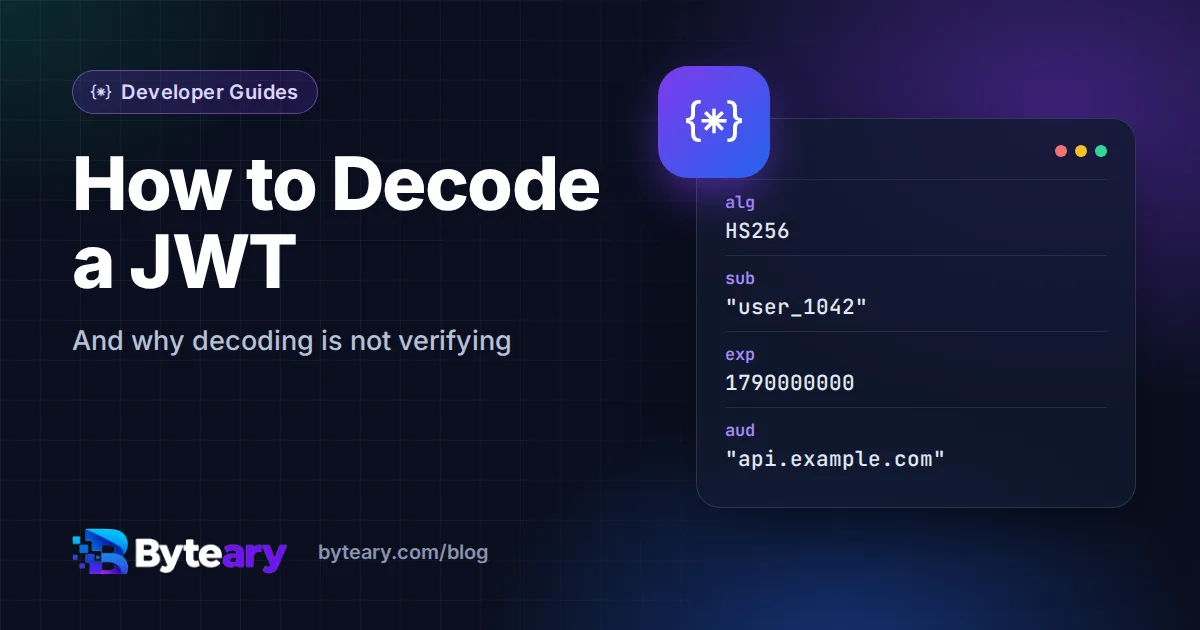
Sooner or later every developer working with an API gets a 401 and a long string starting with eyJ. That string is a JSON Web Token, and the fastest way to debug the problem is usually to look inside it.
The good news is that this is easy. The important news is that it is easy for everyone else too.
What a JWT is made of
A JWT is three pieces of text joined by dots:
header.payload.signature- Header - which algorithm signed the token, for example
{"alg":"HS256","typ":"JWT"}. - Payload - the claims: who the user is, when the token expires, which service it is meant for.
- Signature - a cryptographic signature over the first two parts, made with a secret or private key.
The header and payload are only Base64URL-encoded - not encrypted. Encoding just turns data into text that is safe to put in a URL or HTTP header. Anyone can reverse it. (If Base64 is new to you, see what Base64 encoding is.)
How to decode one
- Copy the token from the
Authorization: Bearer ...header, the cookie, or your app's storage. - Paste it into the JWT Decoder.
- Click Decode JWT. The header and payload appear as formatted JSON, and if the token has an
expclaim you also see the expiry date and whether it has already passed.
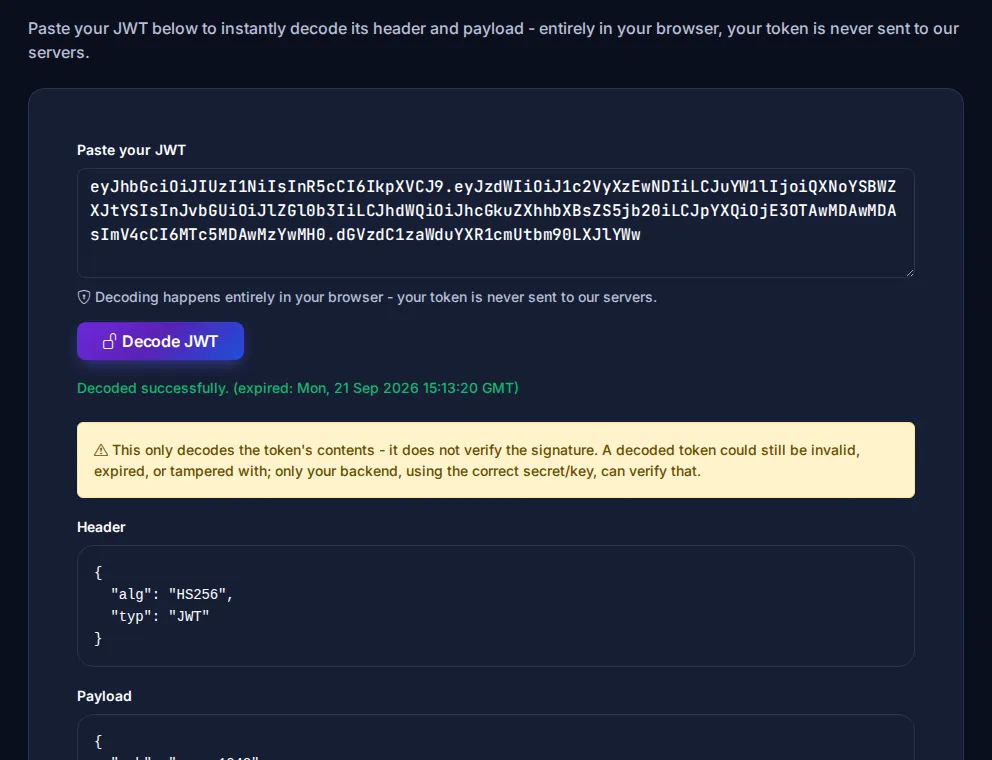
Decoding happens in your browser. Even so, treat a live production token like a password: it grants access until it expires. Use test tokens where you can.
The claims worth checking first
| Claim | Meaning | Typical problem |
|---|---|---|
exp | Expiry time (Unix timestamp) | Token expired; client did not refresh it |
iat | Issued at | Server clock wrong, token looks issued "in the future" |
nbf | Not valid before | Same clock-skew issue |
aud | Intended audience (which API) | Token for the staging API sent to production |
iss | Who issued it | Wrong identity provider or tenant |
sub | The user or client ID | Token belongs to a different user than expected |
In our experience, exp and aud explain most "it works locally but not in production" authentication bugs. The dates are Unix timestamps - seconds since 1 January 1970. The decoder converts exp for you; for iat and nbf, paste the number into a timestamp converter.
Decoding is not verifying
This is the part that matters for security. Anyone can create a token with any payload - "role": "admin" included - and it will decode perfectly. What makes a token trustworthy is the signature, and checking it needs the secret or public key.
So on your server:
- Always verify the signature with a maintained library before reading any claim.
- Pin the expected algorithm. Never accept whatever the header says, and never accept
alg: none. - Check
exp,audandissas part of verification, not afterwards by hand.
The OWASP JWT cheat sheet lists the common implementation mistakes, and the format itself is defined in RFC 7519.
Never put secrets in the payload
Because the payload is readable by anyone who holds the token, keep it to identifiers and permissions. No passwords, no personal data you would not print on a postcard, no API keys.
Related tools
- Base64 Encoder / Decoder - decode a single part of a token by hand.
- Unix Timestamp Converter - turn
expandiatinto dates. - JSON Formatter - tidy up a payload you have decoded elsewhere.