What Is Base64 Encoding? A Practical Guide with Examples
By Byteary Team · Aug 30, 2026 · 3 min read
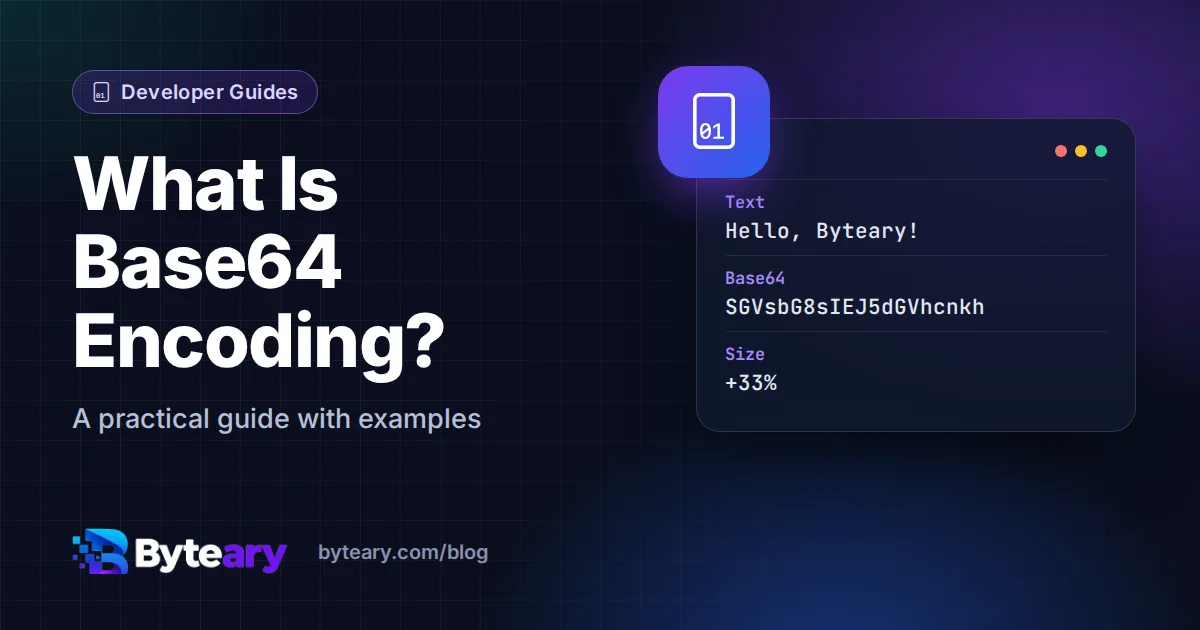
You have almost certainly seen Base64 without noticing: long strings of letters and digits ending in = or ==, inside emails, JSON, HTML or login tokens. It looks like encryption. It is not. It is a way of writing any data using only safe, printable characters.
Why it exists
Many systems were designed to carry text, not raw bytes. Email is the classic example: early mail servers could only be trusted with plain ASCII letters. Send an image as raw bytes and some servers would mangle it. Base64 solves that by turning bytes into a limited alphabet that survives any text channel.
How it works
Base64 takes the input three bytes (24 bits) at a time and splits them into four groups of six bits. Each 6-bit group is a number from 0 to 63, and each number maps to one character:
A-Zfor 0-25a-zfor 26-510-9for 52-61+and/for 62 and 63
If the input does not divide evenly into groups of three bytes, the output is padded with =. For example, the text Hi becomes SGk=.
Because every 3 bytes become 4 characters, Base64 output is about 33% larger than the original. Keep that in mind before embedding big files.
Try it
- Open the Base64 Encoder / Decoder.
- Type some text and click Encode - or paste Base64 and click Decode.
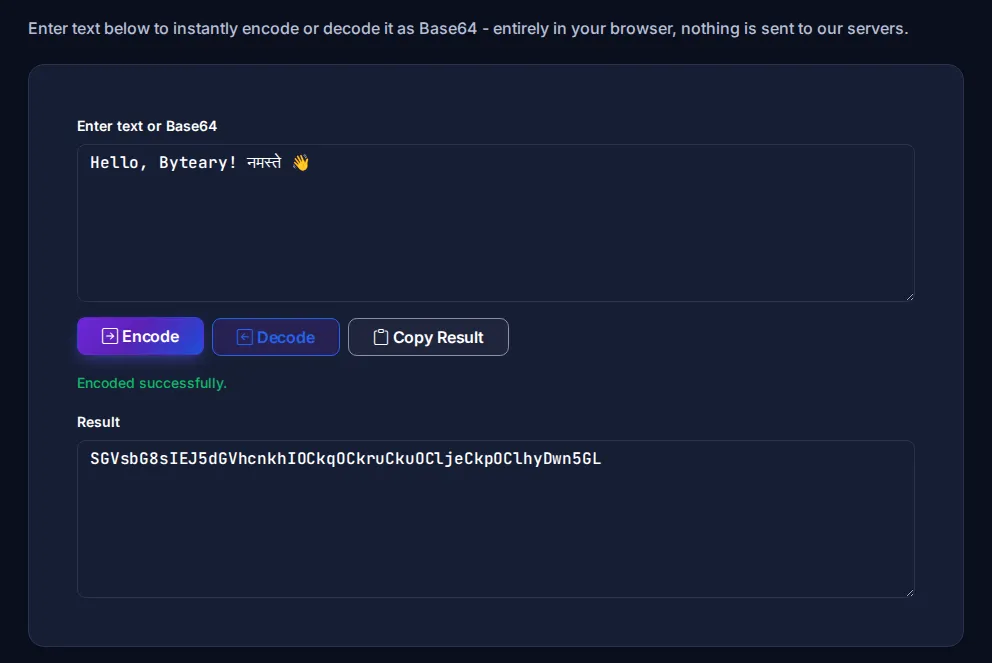
That UTF-8 detail matters more than it sounds. The browser's built-in btoa() function throws an error on anything outside basic Latin characters, which is a common source of bugs in hand-written code.
Where you will meet Base64
Data URIs in HTML and CSS
<img src="data:image/png;base64,iVBORw0KGgo...">A small image can be embedded straight into a page or stylesheet, saving a separate request. The Image to Base64 tool creates these, with or without the data: prefix, and Base64 to Image turns one back into a file. For SVG icons, the SVG to Data URI tool is usually better - URL-encoded SVG is smaller than Base64.
Rule of thumb: only inline images of a few kilobytes. Larger ones bloat your HTML, cannot be cached separately, and slow the page down.
Email attachments
Every attachment you have ever sent was Base64-encoded inside the message. The Email Header Analyzer is handy when you are digging into a raw message.
JWTs and API authentication
JSON Web Tokens use a URL-safe variant called Base64URL, which swaps + and / for - and _ and drops the padding. HTTP Basic authentication sends username:password as Base64 too - which is why it must only ever be used over HTTPS. See how to decode a JWT.
Binary data in JSON
JSON has no binary type, so APIs that accept files often expect them as Base64 strings.
Base64 is not encryption
This bears repeating because it causes real security incidents. Base64 has no key and no secret. Anyone can decode it instantly. If you find passwords or API keys "protected" with Base64 in a config file or a URL, treat them as exposed.
If you need to hide data, use real encryption. If you need to check that data has not changed, use a hash such as SHA-256 - our SHA-256 Hash Generator creates one.
Quick reference
| Question | Answer |
|---|---|
| Size increase | About 33% |
What does = at the end mean? | Padding - the input length was not a multiple of 3 bytes |
| Safe in URLs? | Standard Base64 no (+, /); Base64URL yes |
| Secure? | No - it is an encoding, not encryption |
The formal definition is in RFC 4648, and MDN has a good page on Base64 in JavaScript.