HTTP Security Headers: A Practical Checklist for Your Website
By Byteary Team · Sep 2, 2026 · 4 min read
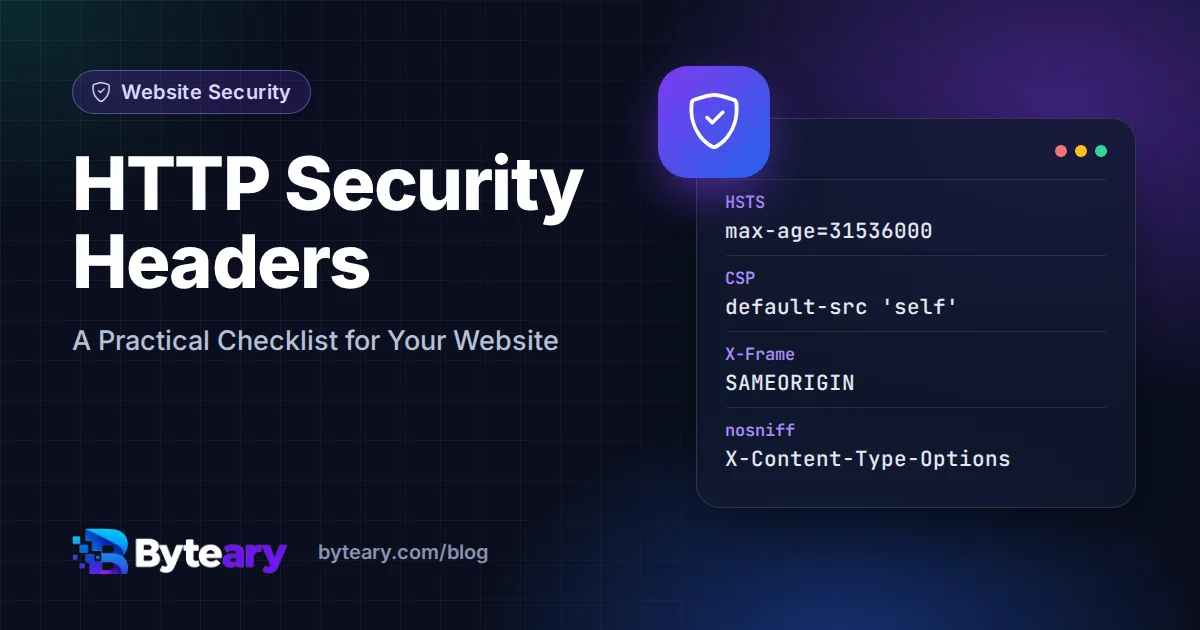
Security headers are instructions your server sends along with every page. They cost nothing, need no code changes in most cases, and switch on protections that browsers already have built in. Yet a quick scan of almost any small business website shows several of them missing.
Start by running your site through the Security Headers Checker. It lists which headers are present, which are missing, and gives a score out of 100. Then work through this list.
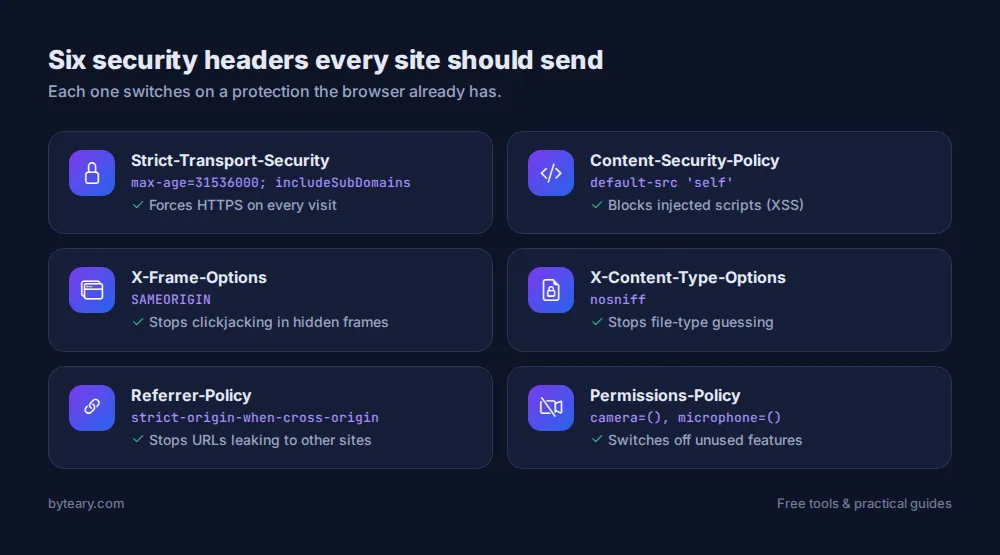
1. Strict-Transport-Security (HSTS)
Tells the browser to use HTTPS for your domain from now on, even if someone types http:// or clicks an old link. It closes the gap where the very first request could be intercepted.
Strict-Transport-Security: max-age=31536000; includeSubDomainsStart with a short max-age (say 300 seconds) while you confirm every subdomain works on HTTPS, then raise it to a year. Check it with the HSTS Checker.
2. Content-Security-Policy (CSP)
The most powerful header and the one that takes the most care. It lists where scripts, styles, images and other resources may load from. If an attacker manages to inject a script, the browser refuses to run it because it is not on the list.
Content-Security-Policy: default-src 'self'; img-src 'self' data: https:; script-src 'self' https://www.googletagmanager.comA strict policy on an existing site will break things the first time. Use Content-Security-Policy-Report-Only first, watch the browser console, and tighten from there. The CSP Checker shows whether a policy is being sent and what it contains, so you can confirm the version you deployed is the one visitors get. Watch for 'unsafe-inline' in script-src - it switches off much of the protection.
3. X-Frame-Options
Stops other sites from loading your pages inside a hidden frame - the trick behind "clickjacking", where a user thinks they are clicking one thing and actually clicks a button on your site.
X-Frame-Options: SAMEORIGINThe modern equivalent is the CSP directive frame-ancestors 'self'. Setting both is fine. Check with the X-Frame-Options Checker.
4. X-Content-Type-Options
Stops the browser from guessing a file's type. Without it, a file uploaded as an image could be treated as a script.
X-Content-Type-Options: nosniffThere is only one valid value, so this is the easiest win on the list.
5. Referrer-Policy
Controls how much of your page's URL is passed to other sites when a visitor clicks a link. Full URLs can leak search terms, reset tokens or internal paths.
Referrer-Policy: strict-origin-when-cross-originThis is the default in modern browsers, but setting it explicitly makes the behaviour consistent. See the Referrer-Policy Checker.
6. Permissions-Policy
Switches off browser features your site does not use - camera, microphone, geolocation - so that injected or third-party code cannot use them either.
Permissions-Policy: camera=(), microphone=(), geolocation=()How to add them
Nginx - inside your server block:
add_header X-Content-Type-Options "nosniff" always;
add_header X-Frame-Options "SAMEORIGIN" always;
add_header Referrer-Policy "strict-origin-when-cross-origin" always;
add_header Strict-Transport-Security "max-age=31536000; includeSubDomains" always;
Apache - in .htaccess or the virtual host (needs mod_headers):
Header always set X-Content-Type-Options "nosniff"
Header always set X-Frame-Options "SAMEORIGIN"
Header always set Referrer-Policy "strict-origin-when-cross-origin"
If you use Cloudflare or another CDN, you can usually add headers in its dashboard instead. Our Nginx Config Generator and .htaccess Generator can give you a starting file.
After deploying, run the checker again. A header added in the wrong place (for example only on the homepage, or dropped by a CDN) is a common surprise.
What headers will not do
Headers harden the browser side. They do not fix an outdated CMS, a weak admin password or a vulnerable plugin. Treat them as one layer alongside a valid certificate (see checking your SSL certificate), updates and good passwords.
For deeper reading, MDN's HTTP headers reference documents every header and value, and the OWASP Secure Headers Project keeps an up-to-date list of recommendations.