Semantic Versioning Explained: ^ vs ~ in package.json
By Byteary Team · Aug 31, 2026 · 3 min read
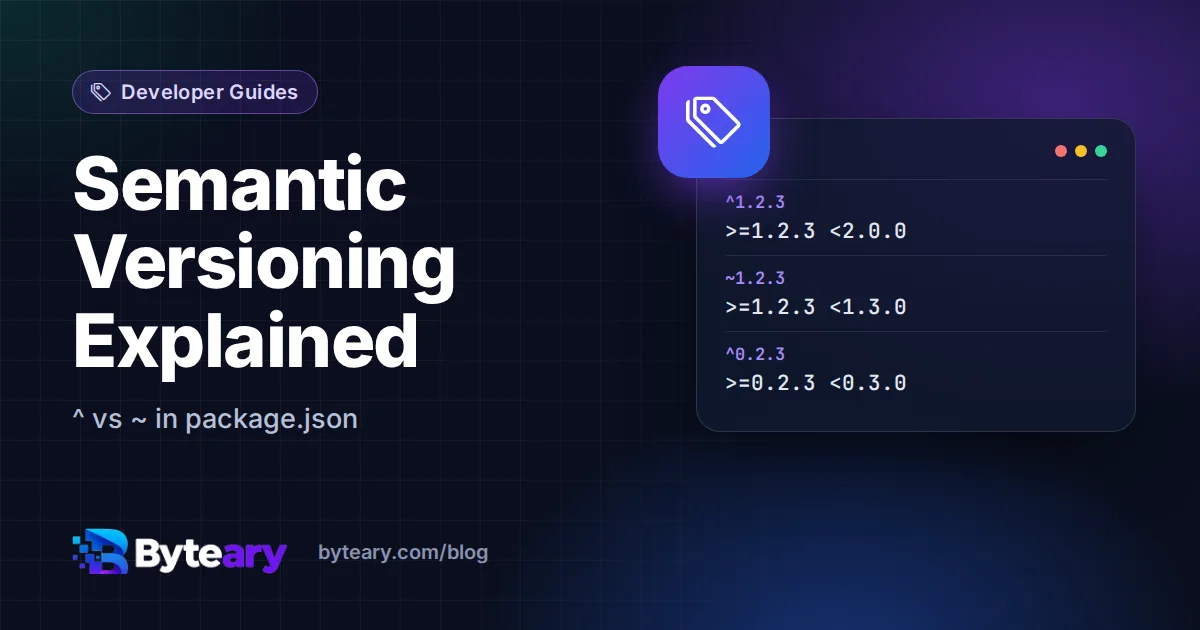
Open any package.json and you will see version numbers with little symbols in front: ^4.18.2, ~1.6.0, >=18. Those symbols decide what gets installed the next time someone runs npm install - and misreading them is how a project that built fine on Friday breaks on Monday.
The promise behind MAJOR.MINOR.PATCH
Semantic Versioning gives each part of a version number a meaning:
- MAJOR (the 4 in 4.18.2) - increases when something changes in a way that can break code using it.
- MINOR (18) - new features, backwards compatible.
- PATCH (2) - bug fixes only, backwards compatible.
It is a promise made by the package author, not something the registry enforces. Most popular packages keep it well; some do not. That is why lock files exist.
Caret (^): "compatible with"
^1.2.3 allows any version from 1.2.3 up to, but not including, the next major version:
^1.2.3 => >=1.2.3 <2.0.0This is npm's default when you run npm install some-package. You get new features and fixes automatically, and trust the author not to break anything within the same major version.
Tilde (~): "approximately"
~1.2.3 allows patch updates only:
~1.2.3 => >=1.2.3 <1.3.0Use it when a package has a history of breaking things in minor releases, or when you want updates to be as boring as possible.
The 0.x surprise
Before 1.0.0, SemVer says anything may change at any time. npm's caret adapts to that by treating the first non-zero number as the "major":
| Range | Means |
|---|---|
^1.2.3 | >=1.2.3 <2.0.0 |
^0.2.3 | >=0.2.3 <0.3.0 |
^0.0.3 | >=0.0.3 <0.0.4 (that exact version only) |
~1.2.3 | >=1.2.3 <1.3.0 |
1.x | >=1.0.0 <2.0.0 |
1.2.3 - 2.3 | >=1.2.3 <2.4.0 |
So ^0.2.3 is much stricter than people expect. That is intentional - a 0.3.0 release is allowed to break things.
Test a range before you rely on it
- Open the Version Range Calculator.
- Type a range, or click one of the examples.
- Read "What it allows" in plain English, and the lowest version that satisfies it.
- Optionally paste a list of versions to see which ones match - and which one npm would pick.
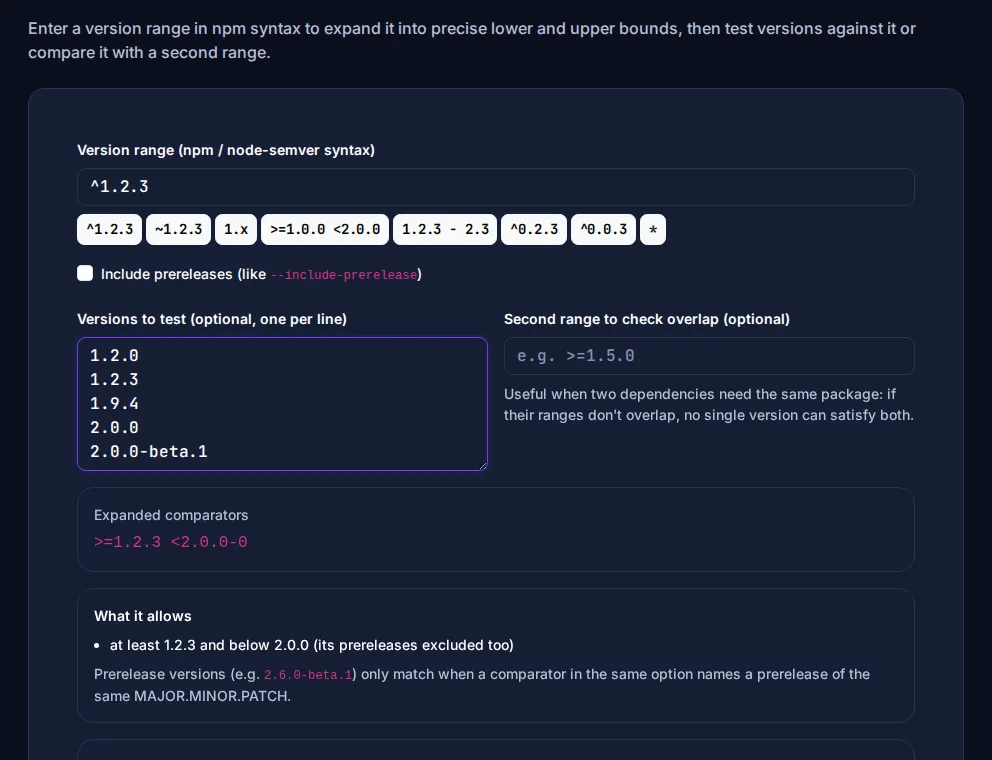
It can also check whether two ranges overlap. That answers a classic dependency-conflict question: if one library needs ^2.1.0 of a package and another needs ~1.9.0, no single version satisfies both.
Prereleases: why ^1.2.3 does not install 1.3.0-beta.1
Versions like 2.0.0-rc.1 are prereleases. npm deliberately skips them unless your range mentions a prerelease of the same MAJOR.MINOR.PATCH, so nobody gets a beta by accident. Check a version's format with the SemVer Validator, and compare two versions with the Version Comparator.
Practical advice
- Commit your lock file (
package-lock.json,yarn.lock,pnpm-lock.yaml). Ranges say what is allowed; the lock file records what was actually installed, so everyone gets the same thing. - Use
npm ciin CI and deployments - it installs exactly what the lock file says. - Update on purpose, with
npm outdatedand a test run, rather than letting ranges drift. - Publishing your own package? The Version Increment Generator shows the next major, minor, patch and prerelease versions.
One more tip: package.json is plain JSON, so a stray trailing comma stops npm from reading it at all - our JSON formatting guide covers the usual culprits. Other ecosystems use similar ideas with different syntax. PHP's Composer treats ~1.2 differently from npm, and Python uses ~=. The Composer constraint helper and Python requirements helper explain those. For the npm details, see the npm semantic versioning docs.