SPF, DKIM and DMARC Explained: Why Your Emails Go to Spam
By Byteary Team · Aug 19, 2026 · 4 min read
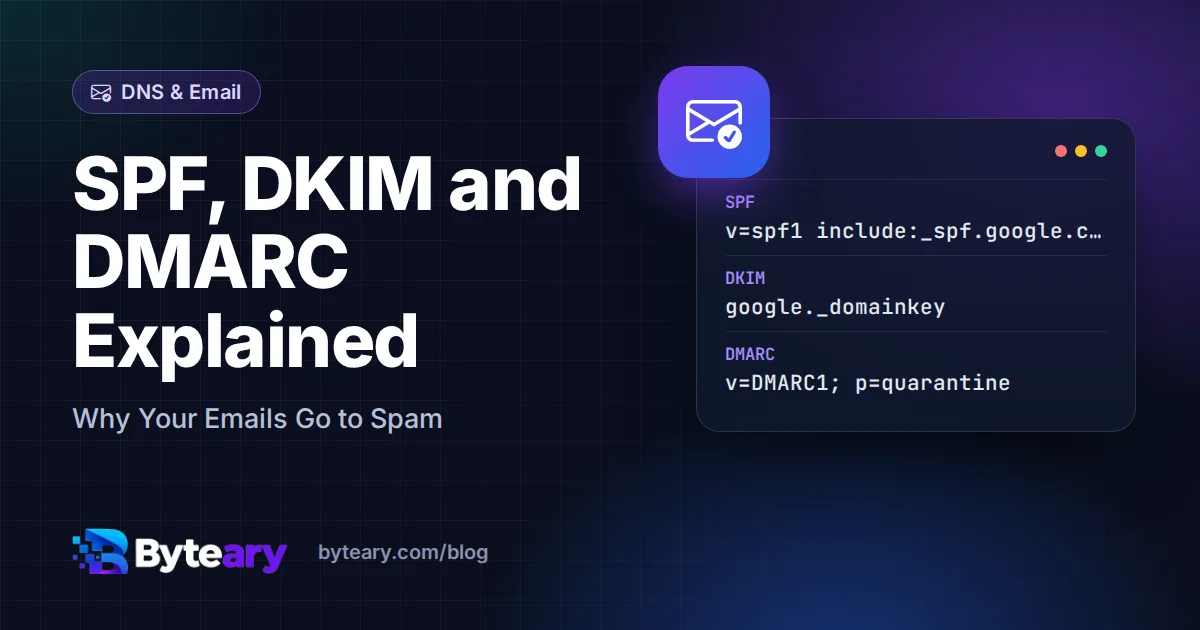
If your invoices, password resets or newsletters keep landing in spam, the problem is rarely the wording. Far more often, the receiving server simply cannot confirm the email really came from you. That confirmation comes from three DNS records: SPF, DKIM and DMARC.
Since 2024, Google and Yahoo require all three for anyone sending in bulk, and they check them for everyone else too. Here is what each one does, in plain terms.
The short version
| Record | Question it answers | Where it lives |
|---|---|---|
| SPF | Is this server allowed to send for this domain? | TXT record on the domain itself |
| DKIM | Was this email signed by the domain, and is it unchanged? | TXT record at selector._domainkey.domain |
| DMARC | What should happen if the checks fail, and who gets the reports? | TXT record at _dmarc.domain |
SPF: the list of allowed senders
SPF is a single TXT record that lists the servers permitted to send mail for your domain. A typical Google Workspace record looks like this:
v=spf1 include:_spf.google.com ~allThe include: pulls in Google's list of servers, and ~all says "anything else is suspicious". If you also send through a newsletter tool or a CRM, it needs its own include: in the same record.
Two rules catch people out:
- Only one SPF record per domain. Two separate
v=spf1records make SPF fail completely. Merge them into one. - A maximum of 10 DNS lookups. Every
include,aandmxcounts, including the ones nested inside other includes. Add too many services and SPF silently breaks.
Check yours with the SPF Checker - enter the domain and click Check SPF.
DKIM: a signature on every message
DKIM works like a wax seal. Your mail provider signs each outgoing message with a private key, and publishes the matching public key in DNS. The receiving server fetches the key and checks the signature. If someone altered the message on the way, or forged it from elsewhere, the signature does not match.
The public key sits under a selector, for example google._domainkey.example.com. Selectors can be any name, which is why DKIM is the record people most often think is missing when it is not. To find yours, open an email you sent, view the original message, and look for s= in the DKIM-Signature header.
The DKIM Checker tries common selectors (google, default, selector1, selector2 and others) automatically, or checks the exact selector you type.
DMARC: the policy and the reports
DMARC ties the other two together. It tells receivers what to do when a message fails - and, just as usefully, sends you daily reports showing who is sending email using your domain.
v=DMARC1; p=none; rua=mailto:dmarc@example.comThe policy (p=) has three levels:
none- monitor only. Deliver as normal, but send reports.quarantine- put failing mail in spam.reject- refuse failing mail outright.
DMARC also requires alignment: the domain that passed SPF or DKIM must match the domain in the visible From address. This is what actually stops someone sending "From: accounts@yourcompany.com" through their own server.
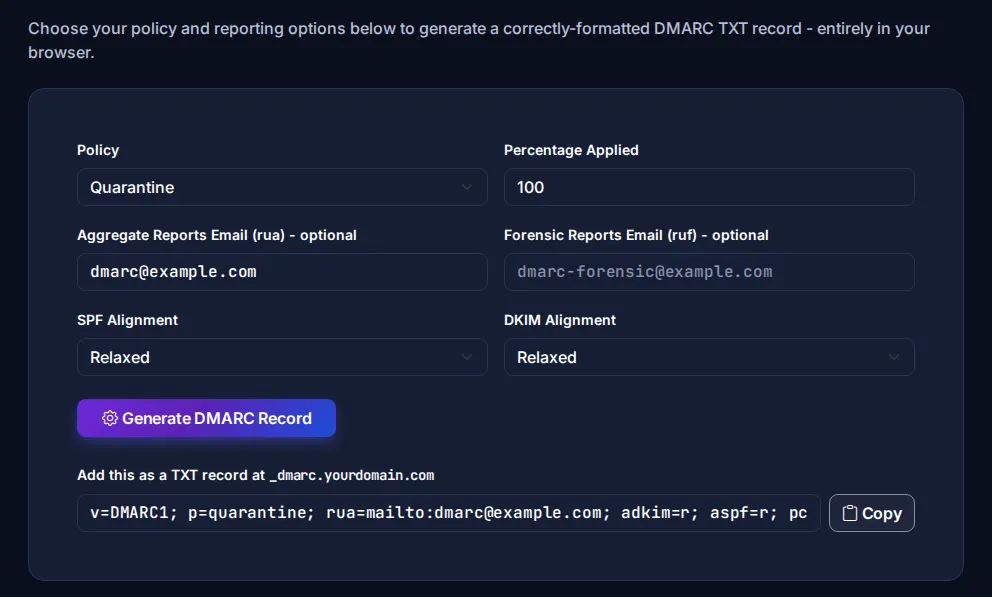
You can build a record with the DMARC Record Generator and check an existing one with the DMARC Checker.
The order that avoids breaking your own email
- List every service that sends as your domain. Mailbox provider, website contact forms, invoicing software, newsletter platform, helpdesk. Forgotten senders are the main cause of trouble later.
- Publish one SPF record covering all of them.
- Turn on DKIM in each service. Most give you a CNAME or TXT record to add.
- Publish DMARC with
p=noneand a reporting address. Leave it for two to four weeks and read the reports. - Fix anything failing, then move to
p=quarantine, and laterp=reject.
Jumping straight to reject is the classic mistake - the first you hear of a forgotten sender is when your invoices stop arriving.
One check for all three
If you just want a quick health check, the Email Security Summary looks at MX, SPF, DMARC and DKIM together and shows what is missing. Since all of these are DNS records, it helps to understand how DNS itself works - our guide to DNS records covers the basics.
For the full technical detail, the standards are RFC 7208 (SPF), RFC 6376 (DKIM) and RFC 7489 (DMARC), and Google's email sender guidelines explain exactly what Gmail expects.