.env File Best Practices: Keep Secrets Out of Git and Configs Working
By Byteary Team · Sep 14, 2026 · 4 min read
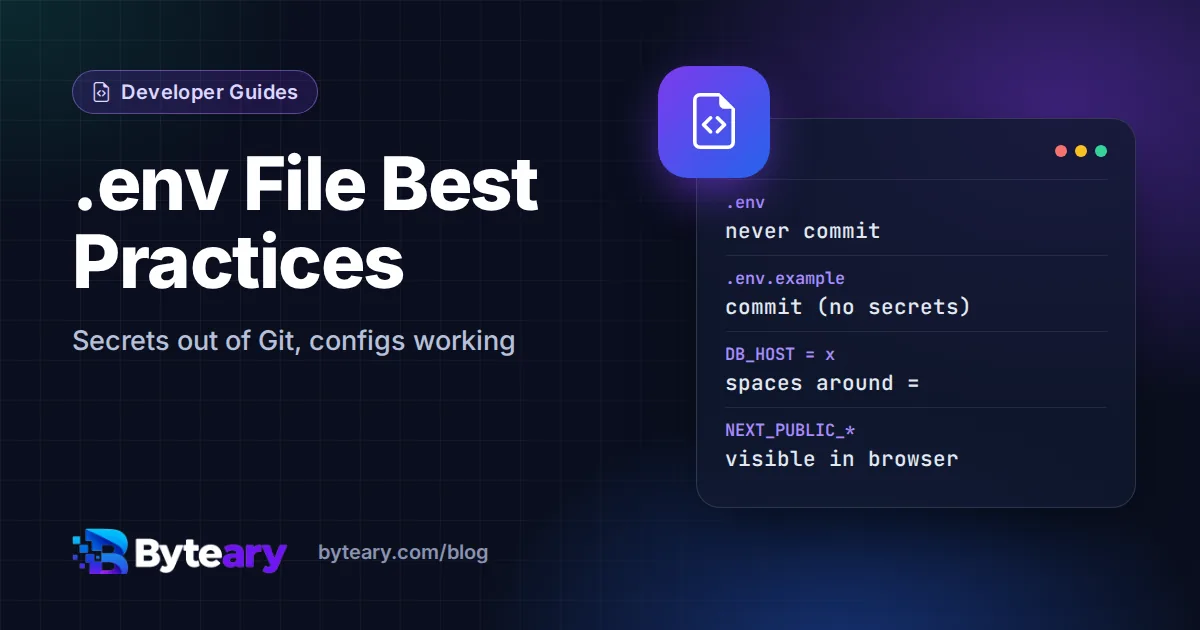
A .env file keeps configuration - database hosts, API keys, feature flags - out of your code. It is simple enough that nobody reads the rules, and that is how API keys end up in public repositories and production apps end up with a password that has a stray quote at the end. These are the habits that avoid both.
1. Commit .env.example, never .env
Keep two files:
.env- real values for one environment. Never committed..env.example- every variable name, with empty or harmless values. Committed, so a new developer can runcp .env.example .envand knows exactly what to fill in.
Add .env to .gitignore before your first commit - the .gitignore Generator includes it in its templates. The .env Generator produces a starting .env.example for Laravel, Node.js, Next.js, Django or Rails with every secret left blank.
2. Write syntax every tool agrees on
There is no single .env standard. PHP's dotenv, Node's dotenv, Python's python-dotenv, Docker Compose and docker run --env-file each parse the file slightly differently. Stick to the subset they all read the same way:
| Do | Avoid | Why |
|---|---|---|
DB_HOST=127.0.0.1 | DB_HOST = 127.0.0.1 | Spaces around = become part of the key or value in some parsers. |
APP_NAME="My App" | APP_NAME=My App | Unquoted spaces are read differently by shells and loaders. |
SMTP_PASS="p@ss#word" | SMTP_PASS=p@ss #word | An unquoted # starts a comment - the rest of the value disappears. |
REDIS_URL=redis://cache:6379 | redis_url=... | UPPER_SNAKE_CASE is the convention; names are case-sensitive on Linux. |
| One definition per key | The same key twice | Which value wins depends on the loader. |
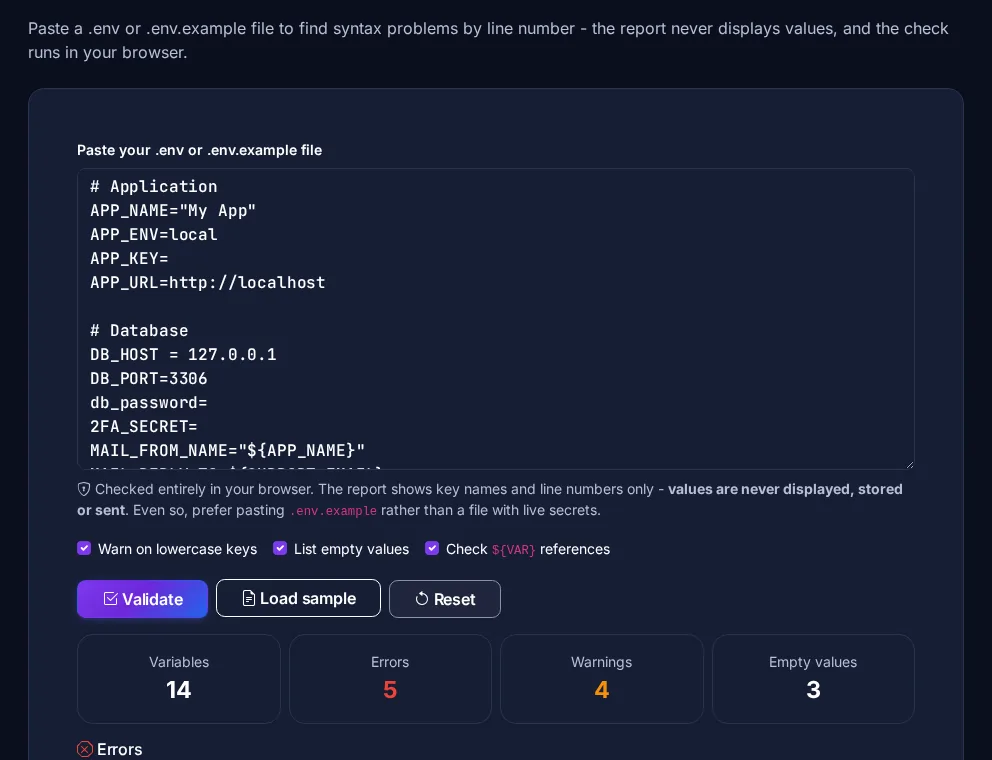
One more Docker trap: docker run --env-file does not strip quotes, so APP_NAME="My App" arrives in the container with the quotes included. Docker Compose's env_file does handle quotes. Paste any file into the .env Validator to catch these problems - it reports key names and line numbers but never displays the values.
3. Know your framework's gotchas
- Laravel: after
php artisan config:cache, the.envfile is no longer read, andenv()called outside theconfig/files returnsnull. Read settings withconfig('app.name')in your code. - Next.js: variables prefixed
NEXT_PUBLIC_are compiled into the JavaScript sent to browsers. Anything secret must not have that prefix. - Vite: the same applies to
VITE_variables. - Node.js 20.6+:
node --env-file=.env app.jsloads the file without thedotenvpackage. - Existing environment variables usually win: most loaders do not overwrite a variable that is already set, which is why a value exported in your shell can silently override the file.
4. In production, prefer real environment variables or a secret manager
A .env file on a server is fine for a small app, but lock it down - chmod 600 .env, owned by the app user (our chmod guide explains why). For containers and cloud platforms, set variables in the platform's settings or use a secret manager such as AWS Secrets Manager, Kubernetes Secrets or Doppler, so secrets are never baked into an image. And never put a .env file inside the web root, where a misconfigured server could serve it as a download.
5. If a secret leaks, rotate it
If a real .env reaches a Git remote, deleting the file in a new commit is not enough - it is still in the history, and public repositories are scanned by bots within minutes. The order of work is:
- Rotate every exposed key and password at the provider. This is the step that actually protects you.
- Check the provider's logs for use you do not recognise.
- Then remove the file from history (for example with
git filter-repo) and make sure.envis ignored.
GitHub's secret scanning can alert you when a known key format is pushed. For strong new values, use the Secure Password Generator.