GitHub CODEOWNERS Explained: Syntax, Examples and Common Mistakes
By Byteary Team · Sep 21, 2026 · 3 min read
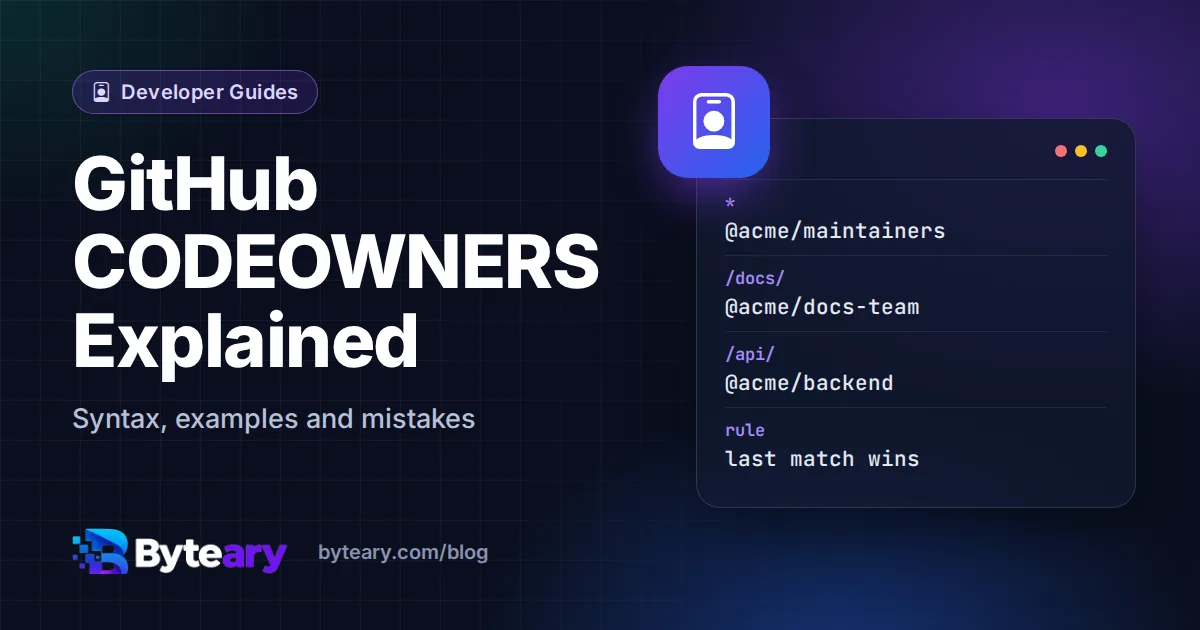
In a repository shared by several teams, pull requests have a way of waiting for the wrong reviewer. A CODEOWNERS file fixes that: it maps paths to people or teams, and GitHub (or GitLab) automatically requests a review from the owners of every file a pull request touches.
Where the file goes
On GitHub, put it in .github/CODEOWNERS, the repository root, or docs/CODEOWNERS. GitHub uses the first one it finds in that order. The file must be on the pull request's base branch - adding it in a feature branch has no effect until it is merged. GitLab reads CODEOWNERS from the root, .gitlab/ or docs/.
The syntax
Each line is a pattern followed by one or more owners:
# Default owners for everything
*                     @acme/maintainers

# Documentation
/docs/                @acme/docs-team

# Any JavaScript file, anywhere
*.js                  @frontend-dev

# The API folder has two owners
/api/                 @acme/backend alice@example.com

# CI configuration
/.github/workflows/   @acme/devops
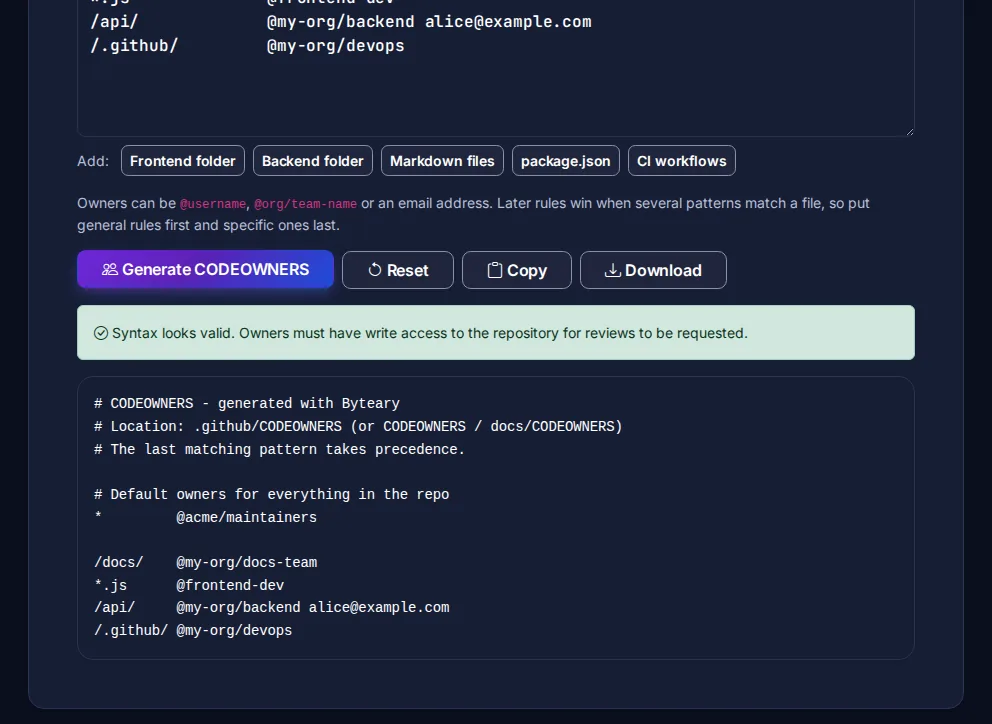
Owners can be a user (@username), a team (@org/team-name) or an email address linked to a GitHub account. The CODEOWNERS Generator builds this file from simple rules, lines the columns up, and flags owners that are not in a valid format.
How patterns match - and why order matters
Patterns follow most of the same rules as .gitignore:
| Pattern | Matches |
|---|---|
* | Every file |
*.md | Markdown files in any folder |
/docs/ | The docs folder at the root, and everything in it |
docs/ | Any folder named docs, at any depth |
/src/*.js | JavaScript files directly in /src, not in subfolders |
/src/**/*.test.js | Test files at any depth under /src |
The crucial rule: the last matching line wins, and only its owners are requested. If *.js @frontend-dev comes after /api/ @acme/backend, a change to /api/users.js goes to the frontend developer only. Put broad rules at the top and specific ones at the bottom.
Making reviews required
On its own, CODEOWNERS only requests reviews. To make them mandatory, enable "Require review from Code Owners" in a branch protection rule or ruleset for your main branch. Then a pull request cannot merge until an owner of each changed path approves. See GitHub's about code owners page for the full details.
Common mistakes
- Owners without write access. A user or team must have write permission on the repository, or GitHub ignores them.
- Negation patterns.
!works in.gitignorebut not in CODEOWNERS. To leave a path unowned, add a later line with the path and no owner. - Wrong order. A catch-all such as
*at the bottom overrides everything above it. - Typos in team names. GitHub shows syntax errors when you open the file in the web interface - check it after every change.
- Very broad ownership. If one team owns everything, every pull request waits for them. Assign narrower areas where you can.
GitLab sections
GitLab adds sections, so different groups of rules can each require their own approval:
[Backend]
/api/        @acme/backend

[Docs][2]
/docs/       @acme/docs-team
Pair CODEOWNERS with a CONTRIBUTING.md that tells contributors how review works, and a clear README.