How to Write a Good README (With a Template You Can Copy)
By Byteary Team · Sep 17, 2026 · 3 min read
Your README is the front page of your project. Most visitors decide within a few seconds whether the project is for them, and many never scroll. A good README does not need to be long - it needs to answer the right questions in the right order.
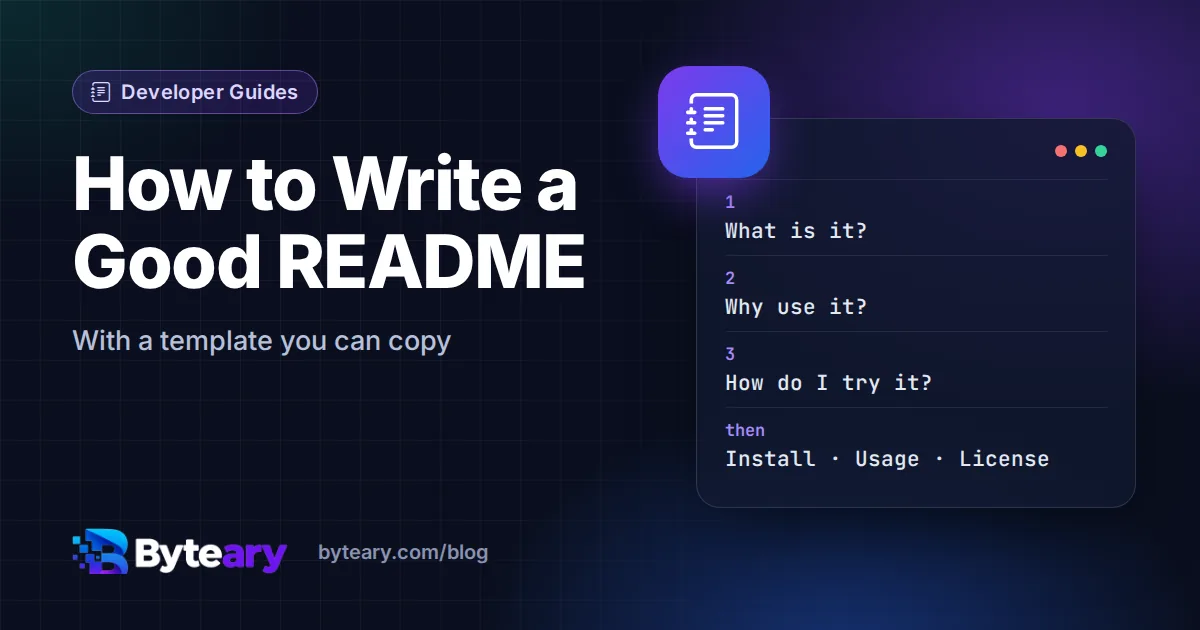
The first screen: what, why, how
Before anything else, a reader wants three answers:
- What is it? One sentence, not a slogan. "Generate PDF invoices from JSON in one command" beats "The next-generation invoicing experience".
- Why would I use it? The problem it solves, or who it is for.
- How do I try it? The shortest path to something working - usually one install command and one usage example.
If those three fit above the fold, most of the work is done. Everything else is reference for people who have already decided to use it.
Sections worth including
| Section | What goes in it |
|---|---|
| Title and description | Name, one-sentence summary, optional badges (build status, version, license). |
| Features | Three to six bullet points - what it does, not how. |
| Requirements | Runtime versions and services, for example "PHP 8.2+, MySQL 8". |
| Installation | Copy-paste commands, in order. |
| Usage | The most common task, with real input and output. |
| Configuration | Environment variables or options - link to .env.example. |
| Contributing | A short note linking to CONTRIBUTING.md. |
| License | The license name, linking to the LICENSE file. |
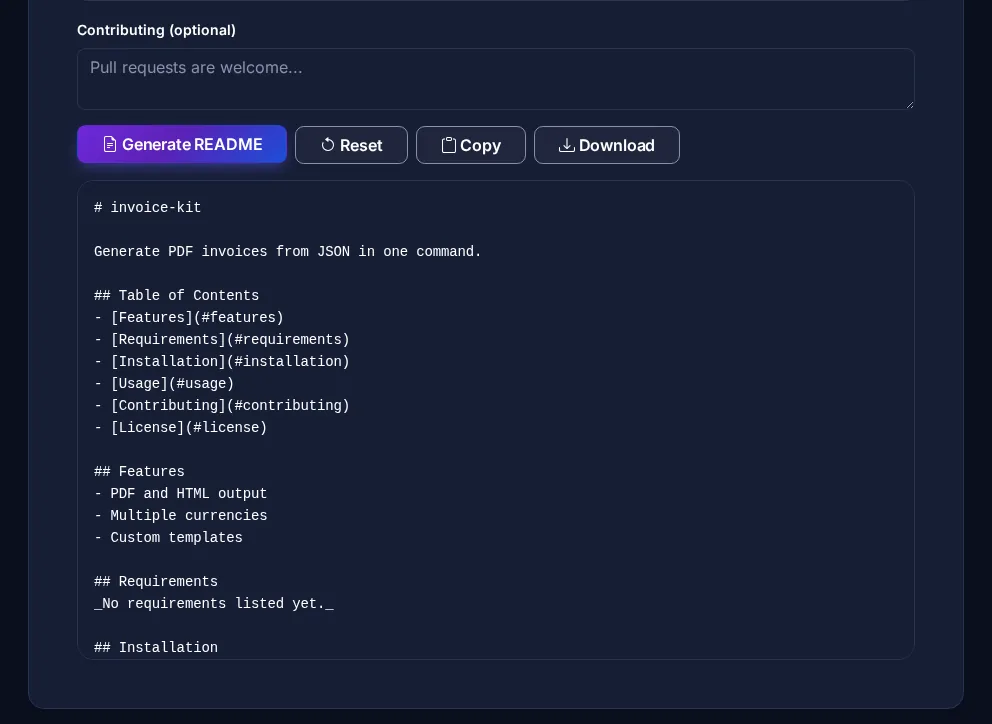
The README Generator assembles these sections from a form, with a table of contents, so you can focus on the words instead of the Markdown.
Show, don't describe
- Real examples. A code block with a real command and its real output is worth more than a paragraph of explanation.
- A screenshot or GIF for anything with a user interface. Keep it small and put it after the quick start, not before.
- Copyable commands. Do not start lines with
$- it breaks copy-paste. - Specific versions. "Node 20 or newer" is useful; "a recent Node version" is not.
Markdown features that help on GitHub
GitHub renders GitHub Flavored Markdown, which adds a few useful extras:
> [!NOTE]
> Requires PHP 8.2 or newer.

<details>
<summary>Advanced configuration</summary>

Long reference material that most readers can skip.

</details>

| Option   | Default | Description        |
| -------- | ------- | ------------------ |
| `--out`  | stdout  | Output file path   |
Alerts ([!NOTE], [!WARNING]) draw attention to requirements, collapsible sections hide long reference material, and tables work well for options. To preview how Markdown will render, use the Markdown to HTML converter.
The files that sit next to the README
A README should stay focused. Move the rest into the files GitHub already knows about:
- LICENSE - without one, nobody may legally reuse your code. The LICENSE Generator writes MIT, Apache 2.0, GPL and more. Unsure which? Read MIT vs Apache 2.0 vs GPL.
- CONTRIBUTING.md - setup and pull request rules, from the CONTRIBUTING.md Generator.
- SECURITY.md - how to report vulnerabilities privately; see how to write a security policy.
- CHANGELOG.md - what changed in each release; see how to keep a changelog.
Keep it true
An outdated README is worse than a short one: people follow the install steps, they fail, and they leave. Update it in the same pull request that changes installation or usage, and occasionally follow your own quick start on a clean machine.