AWS EventBridge Cron Expressions: Syntax, Examples and the "?" Rule
By Byteary Team · Sep 7, 2026 · 3 min read
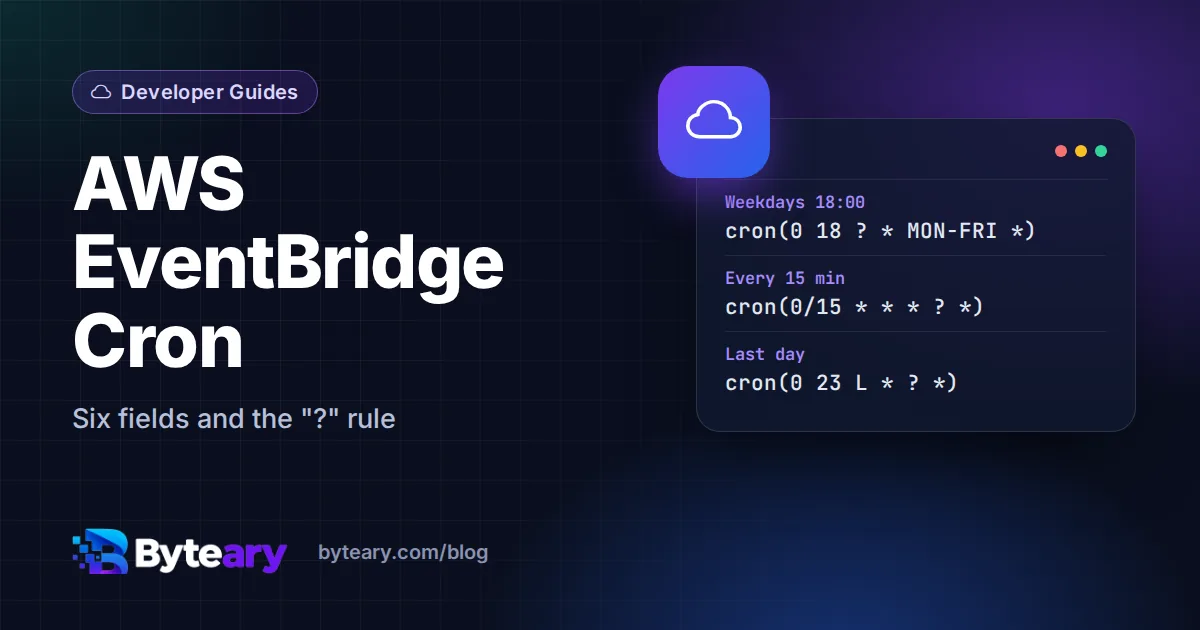
If you paste a normal Linux cron line such as 0 18 * * 1-5 into an EventBridge rule, AWS rejects it. EventBridge - and the schedules behind Lambda, ECS tasks and Step Functions - uses its own cron dialect with six fields and a rule about the day fields that catches almost everyone the first time.
The six fields
cron(minutes hours day-of-month month day-of-week year)| Field | Values | Wildcards |
|---|---|---|
| Minutes | 0-59 | , - * / |
| Hours | 0-23 | , - * / |
| Day of month | 1-31 | , - * ? / L W |
| Month | 1-12 or JAN-DEC | , - * / |
| Day of week | 1-7 or SUN-SAT | , - * ? L # |
| Year | 1970-2199 | , - * / |
Two differences from Linux cron stand out: there is a year field at the end, and day of week starts at 1 = Sunday, not 0. Using names such as MON-FRI avoids off-by-one mistakes.
The "?" rule
You cannot set both day of month and day of week. If one of them has a value or *, the other must be ? ("no specific value"). So:
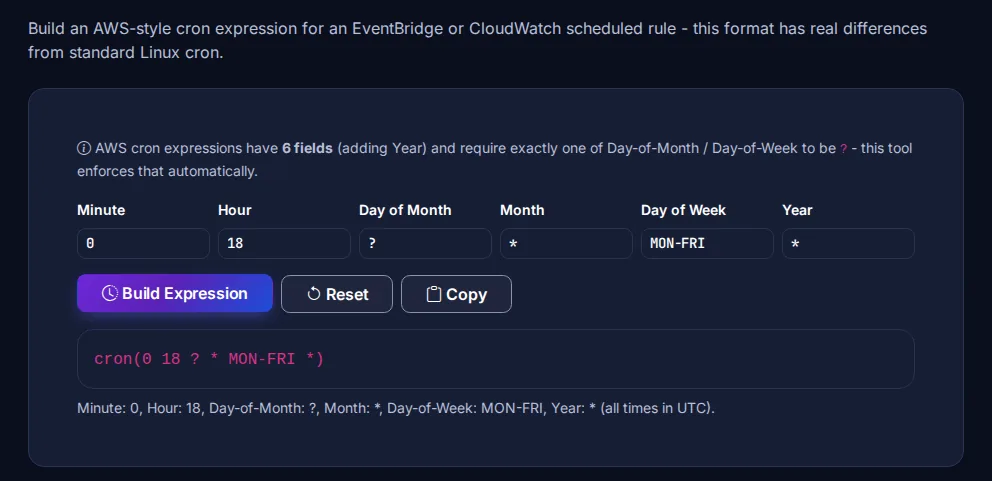
cron(0 18 ? * MON-FRI *)- valid: day of week is set, day of month is?.cron(0 8 1 * ? *)- valid: day of month is set, day of week is?.cron(0 8 * * * *)- invalid: both day fields are*.
The AWS Cron Expression Helper builds the expression field by field and puts the ? in the right place for you.
Examples you can copy
| Schedule | Expression |
|---|---|
| Every 15 minutes | cron(0/15 * * * ? *) |
| Every day at 02:30 UTC | cron(30 2 * * ? *) |
| Weekdays at 18:00 UTC | cron(0 18 ? * MON-FRI *) |
| First day of every month at 08:00 | cron(0 8 1 * ? *) |
| Last day of every month at 23:00 | cron(0 23 L * ? *) |
| First Monday of every month at 09:00 | cron(0 9 ? * 2#1 *) |
For a simple interval, a rate expression is easier to read: rate(5 minutes), rate(1 hour), rate(7 days). Use the singular unit when the value is 1 (rate(1 hour), not rate(1 hours)). The smallest interval is one minute.
UTC and time zones
Classic EventBridge rules always run in UTC. A job at 09:00 in India is cron(30 3 ? * * *), and a job at 09:00 in New York moves by an hour when daylight saving time starts or ends. The AWS Region Time Converter helps you translate local times to UTC.
The newer EventBridge Scheduler accepts a time zone with each schedule, so cron(0 9 ? * MON-FRI *) with the zone America/New_York stays at 09:00 local time all year. For new schedules, Scheduler is usually the better choice - see the EventBridge Scheduler schedule types documentation.
Same schedule, three dialects
| Where | Weekdays at 18:00 | Notes |
|---|---|---|
| Linux crontab / Kubernetes | 0 18 * * 1-5 | 5 fields, 0 = Sunday |
| GitHub Actions | 0 18 * * 1-5 | 5 fields, always UTC |
| AWS EventBridge | cron(0 18 ? * MON-FRI *) | 6 fields, 1 = Sunday, "?" rule |
For the five-field format, use the Cron Expression Builder or the GitHub Actions Cron Helper, and read our cron expressions guide. Running scheduled work in a cluster instead? See the Kubernetes CronJob example.