bcrypt vs Argon2 vs scrypt vs PBKDF2: Which Password Hash to Use
By Byteary Team · Sep 9, 2026 · 3 min read
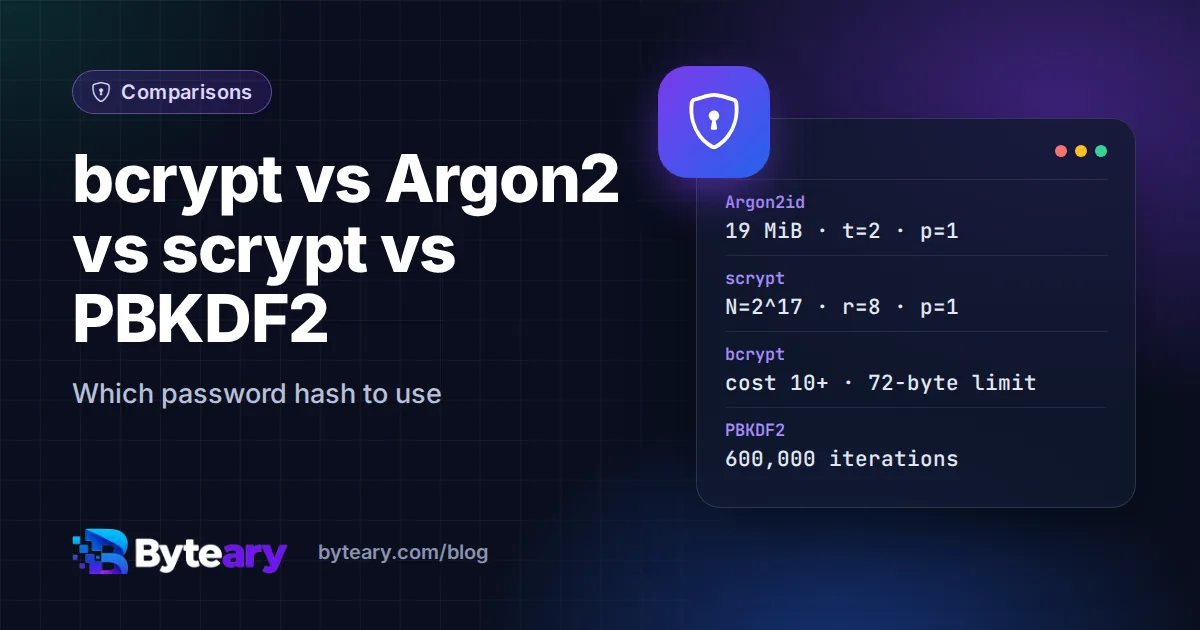
Passwords must never be stored as plain text, and never with a fast hash such as MD5 or SHA-256 either. A modern graphics card can try billions of SHA-256 guesses per second. Password hashing algorithms are deliberately slow - and some deliberately memory-hungry - so that each guess is expensive. There are four worth knowing, and the choice between them is simpler than it looks.
What makes a password hash different
All four algorithms share three properties that a plain hash lacks:
- A salt: a random value stored with each hash, so two users with the same password get different hashes and precomputed tables are useless.
- A work factor: a setting that makes hashing slower, which you raise as hardware gets faster.
- A self-describing output: the algorithm, parameters and salt are stored in the hash string, so you can verify old hashes after changing the settings.
The four algorithms side by side
| Argon2id | scrypt | bcrypt | PBKDF2 | |
|---|---|---|---|---|
| Year | 2015 (won the Password Hashing Competition) | 2009 | 1999 | 2000 |
| Memory-hard | Yes, tunable | Yes | No (small fixed memory) | No |
| Resists GPU/ASIC cracking | Best | Good | Moderate | Weakest |
| Main settings | Memory, iterations, parallelism | N, r, p | Cost (log2 rounds) | Iterations, hash function |
| OWASP minimum | 19 MiB memory, 2 iterations, 1 thread | N=217, r=8, p=1 | Cost 10 | 600,000 iterations (HMAC-SHA-256) |
| Input limit | None in practice | None in practice | 72 bytes | None in practice |
| FIPS-140 approved | No | No | No | Yes |
The parameters come from the OWASP Password Storage Cheat Sheet, which is the best single reference on this topic.
Notes on each
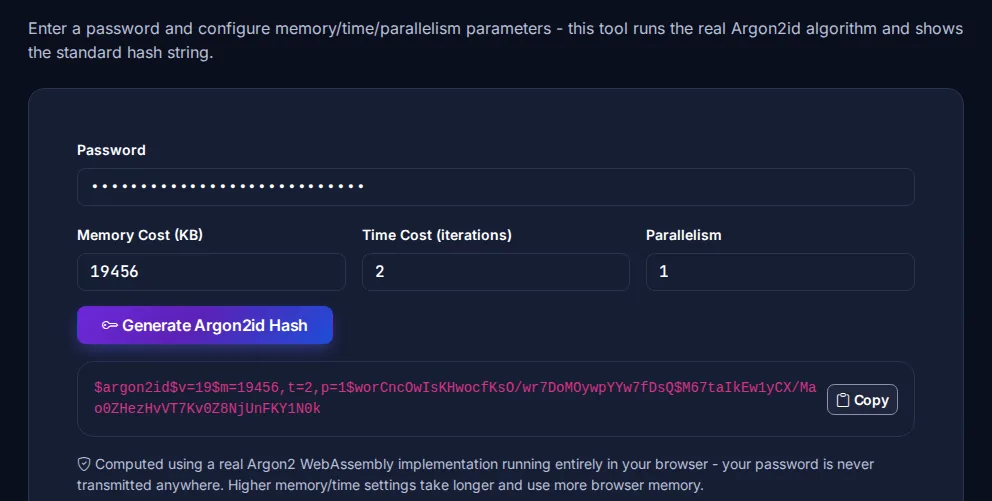
Argon2id is the current recommendation. Because it needs a configurable amount of memory per guess, attackers cannot simply run thousands of guesses in parallel on a GPU. Use the id variant, which combines resistance to side-channel and GPU attacks. Try it with the Argon2id Hash Generator.
scrypt was the first widely used memory-hard function and is still a good choice where Argon2 is not available. Its three parameters are less intuitive. See the scrypt Hash Generator.
bcrypt has 25 years of real-world use and is the default in many frameworks. It is not memory-hard, but with a cost of 10 or more it remains acceptable. Its one real limit: only the first 72 bytes of the password are used - longer passwords are silently truncated, and some libraries now reject them instead. Try the bcrypt Hash Generator.
PBKDF2 is the weakest against GPU cracking, because it needs almost no memory, so it needs a very high iteration count. Its advantage is compliance: it is the one on this list approved for FIPS-140 environments. See the PBKDF2 Hash Generator.
Verdict
- New application: Argon2id, at least 19 MiB memory and 2 iterations - more if your servers can afford it.
- Existing bcrypt: keep it with cost 10-12; it is still safe. Migrate gradually if you want to.
- FIPS-140 required: PBKDF2-HMAC-SHA-256 with 600,000+ iterations.
- Never: MD5, SHA-1 or SHA-256 on their own, or anything you designed yourself.
In practice: use your framework's default
You rarely call these algorithms directly. Laravel's Hash::make(), PHP's password_hash(), Django's password hashers and ASP.NET Identity already handle salts, formats and upgrading. Use them, and tune the cost. To migrate, re-hash each user's password with the new algorithm the next time they log in successfully - PHP's password_needs_rehash() and Django do this for you. Byteary's Laravel, Django and PHP hash generators produce hashes in each framework's exact format, which is handy for seeding a test user.
Hashing protects stored passwords; it does not make weak passwords strong. See how to create a strong password for the other half of the story.