Composer Version Constraints Explained: ^, ~, * and Stability Flags
By Byteary Team · Sep 11, 2026 · 3 min read
The version constraint next to each package in composer.json decides what composer update is allowed to install. Most people copy ^ from the documentation and move on - until a tilde in an older project behaves differently than expected, or a beta release refuses to install. This guide covers every constraint you are likely to meet.
The caret: ^ (the usual choice)
The caret allows every release that should be backwards compatible under Semantic Versioning - anything up to, but not including, the next major version:
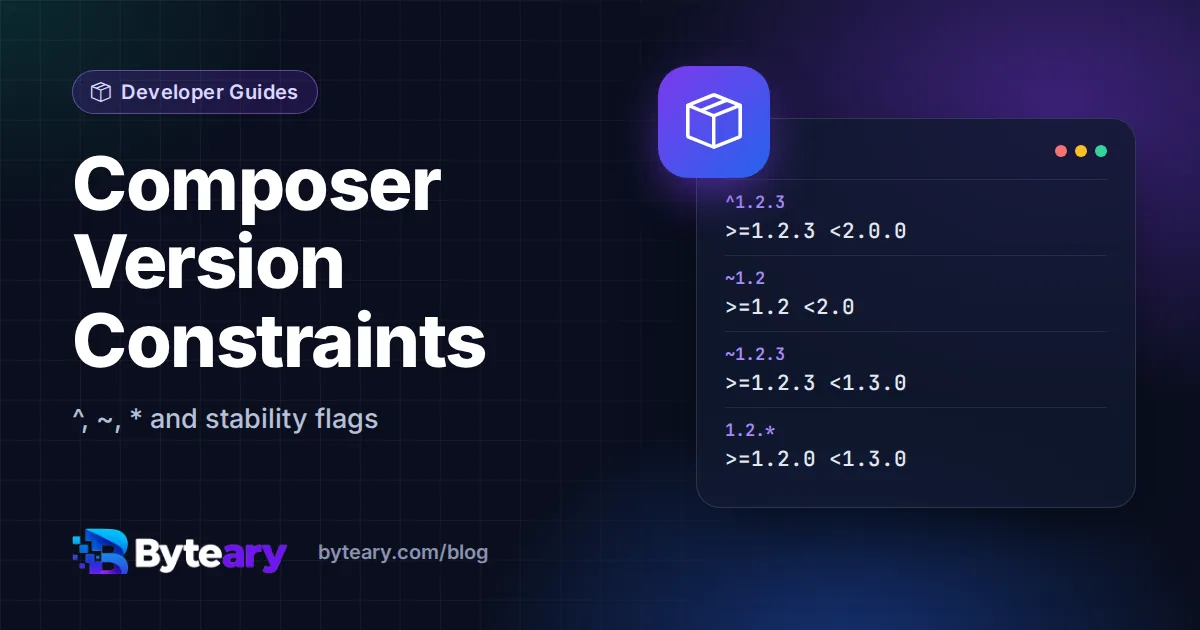
^1.2.3means>=1.2.3 <2.0.0^1.2means>=1.2.0 <2.0.0^0.3means>=0.3.0 <0.4.0- before 1.0, a minor bump is treated as breaking
This is what composer require vendor/package writes by default, and it is the right choice for most dependencies.
The tilde: ~ (it depends on how many digits you write)
The tilde lets the last digit you specify go up:
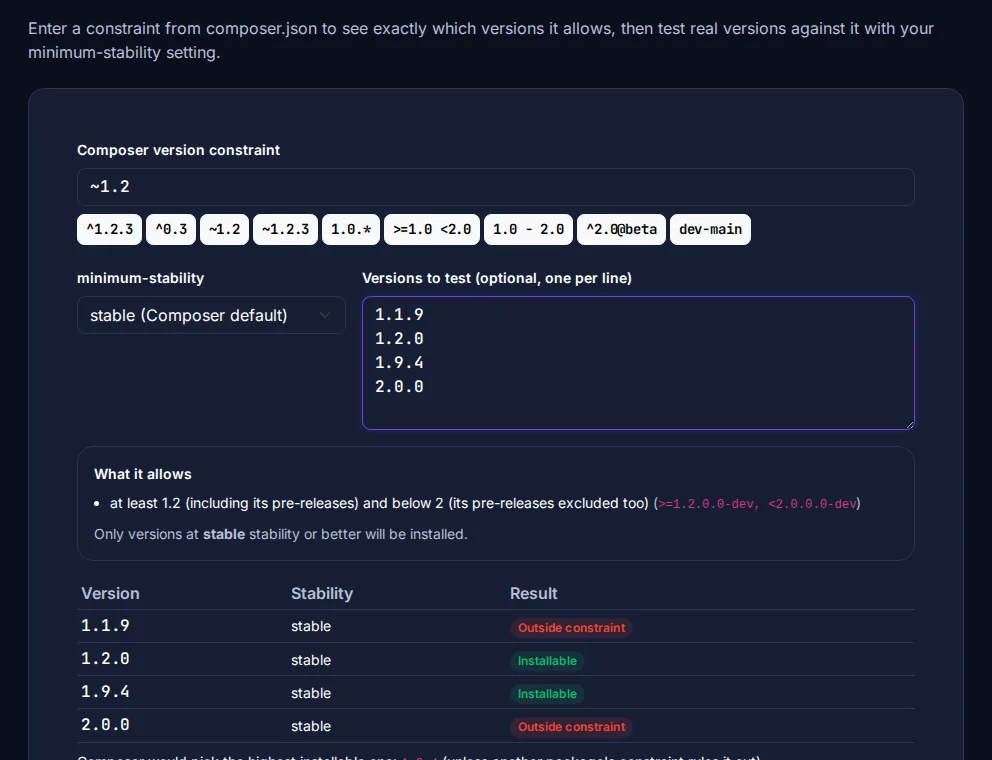
~1.2means>=1.2 <2.0- the same as^1.2~1.2.3means>=1.2.3 <1.3.0- patch releases only
This is where Composer differs from npm. In npm, ~1.2 allows only 1.2.x; in Composer it allows everything below 2.0. If you move between PHP and JavaScript projects, check a constraint rather than trusting memory - the Composer Version Constraint Helper shows the exact range and tests real version numbers against it.
Wildcards, ranges and OR
| Constraint | Allows |
|---|---|
1.2.* | >=1.2.0 <1.3.0 |
>=1.4 <2.0 or >=1.4, <2.0 | Both conditions (a space or comma means AND) |
^7.4 || ^8.0 | Either range (|| means OR) - common for PHP versions |
1.0 - 2.0 | >=1.0.0 <2.1 (a partial upper bound is filled with a wildcard) |
1.2.3 | Exactly 1.2.3 - avoid for libraries, it blocks security fixes |
Stability: why a beta will not install
Every version has a stability: dev, alpha, beta, RC or stable. By default Composer only installs stable releases, whatever your constraint says. There are two ways to allow others:
{
    "require": {
        "vendor/package": "^2.0@beta"
    },
    "minimum-stability": "dev",
    "prefer-stable": true
}
A stability flag such as @beta on one package allows beta releases of just that package. minimum-stability lowers the bar for every package; pair it with "prefer-stable": true so Composer still picks stable releases whenever one satisfies the constraint. Branches are installed with dev- names, for example dev-main. The Composer versions documentation has the full rules.
Which constraint should you use?
- Applications:
^for everything, and commitcomposer.lockso every environment installs the same versions. - Libraries:
^with the widest range you actually test, for example^9.0 || ^10.0for a framework. - Pinning: only temporarily, with a comment explaining which bug you are avoiding.
Reviewing an update pull request? Paste the old and new composer.json into the Dependency Version Comparator to see which packages jumped a major version. For npm's version of these rules, read Semantic Versioning: ^ vs ~ in package.json.