The Best Free Online JSON Tools (and When to Use Each One)
By Byteary Team · Sep 18, 2026 · 3 min read
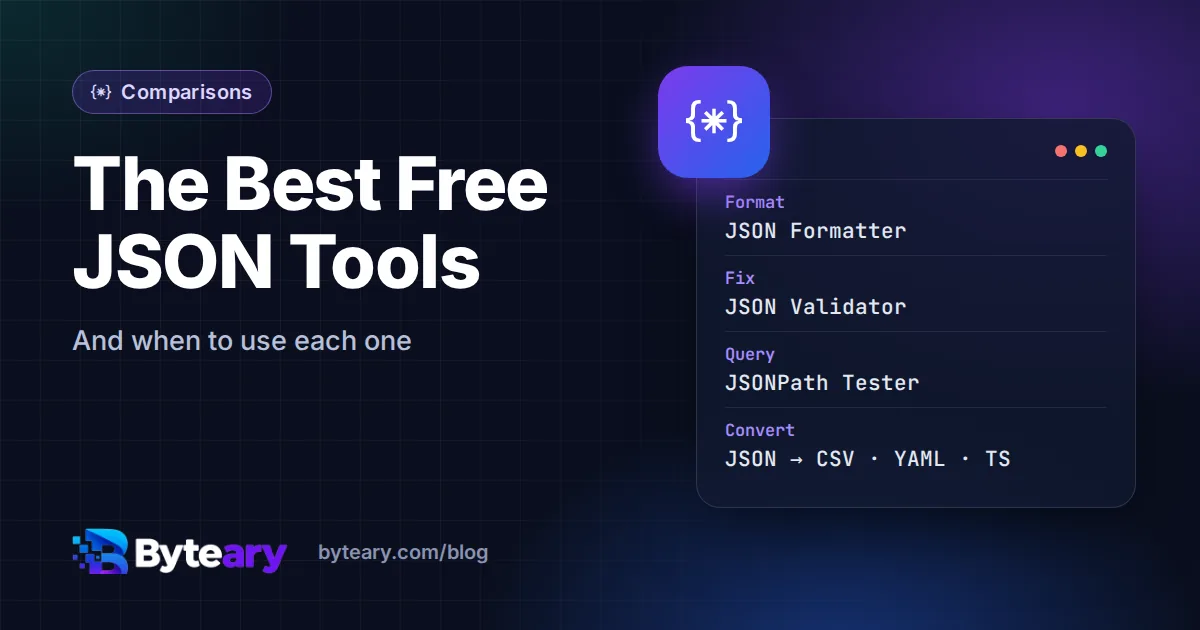
JSON is everywhere - API responses, config files, logs, exports - and most developers have a handful of tools open for it at any moment. This is a map of those jobs and the tool that fits each one. The tools linked below are Byteary's own; they are free, need no signup, and process your JSON in the browser. Where a command-line tool is the better choice, we say so.
Read and fix JSON
| Job | Tool | Why this one |
|---|---|---|
| Make minified JSON readable | JSON Formatter | Indents and pretty-prints a one-line response so you can read it. |
| Find out why JSON will not parse | JSON Validator | Reports the line and position of the first error - trailing commas, single quotes, missing brackets. |
| Shrink JSON for storage or a URL | JSON Minifier | Removes all whitespace without changing the data. |
| Tidy a whole API response | API Response Formatter | Formats responses copied from browser dev tools or logs. |
If a file fails to parse, our guide to formatting and validating JSON explains the errors you are most likely to see.
Find data inside JSON
Large responses are hard to navigate by scrolling. A query tells you exactly where the value is:
- JSONPath Tester - try expressions like
$.store.books[*].titleand see the matches instantly. JSONPath is standardised in RFC 9535. - JSON Pointer Tester - resolve a single path like
/store/books/0/title, the format used in JSON Patch and JSON Schema error messages.
![Byteary JSONPath Tester with a sample store JSON document and the expression $.store.books[*].title](/images/blog/best-free-json-tools.webp)
Convert JSON to other formats
| From / to | Tools |
|---|---|
| Spreadsheets | JSON to CSV, CSV to JSON |
| Config formats | JSON to YAML, JSON to TOML, JSON to XML |
| Databases | JSON to SQL, SQL to JSON |
| Code | JSON to TypeScript, JSON to Python, JSON to PHP array |
Two of these save the most time day to day. JSON to TypeScript turns a sample API response into interfaces, so you do not type them by hand - check optional fields afterwards, since one sample cannot show which fields are sometimes missing. CSV to JSON handles quoted fields and commas inside values, the part hand-written scripts usually get wrong; see how to convert CSV to JSON. Choosing between formats in the first place? Read JSON vs YAML vs TOML vs XML.
JSON you should not paste anywhere
Browser-based tools are convenient, but think before pasting production data containing personal information, access tokens or keys into any website. Byteary's JSON tools run in your browser and do not upload what you paste - but the safest habit is to remove secrets first, or use a local tool for sensitive data. A JWT, for example, is just Base64-encoded JSON; the JWT Decoder reads it locally, and our guide explains why decoding is not verifying.
When a command-line tool is better
For repeated work, scripts and very large files, use jq: jq '.items[] | .id' data.json filters, jq . pretty-prints, and it handles files of hundreds of megabytes that would slow down any browser tab. Online tools are best for quick, one-off jobs and for sharing a result with someone who does not have jq installed.
The short list to bookmark
JSON Formatter for reading, JSON Validator for fixing, JSONPath Tester for finding, and JSON to TypeScript or JSON to CSV for converting. Everything else is on the File & Data Conversion Tools page.