JSON vs YAML vs TOML vs XML: Which Format Should You Use?
By Byteary Team · Sep 5, 2026 · 3 min read
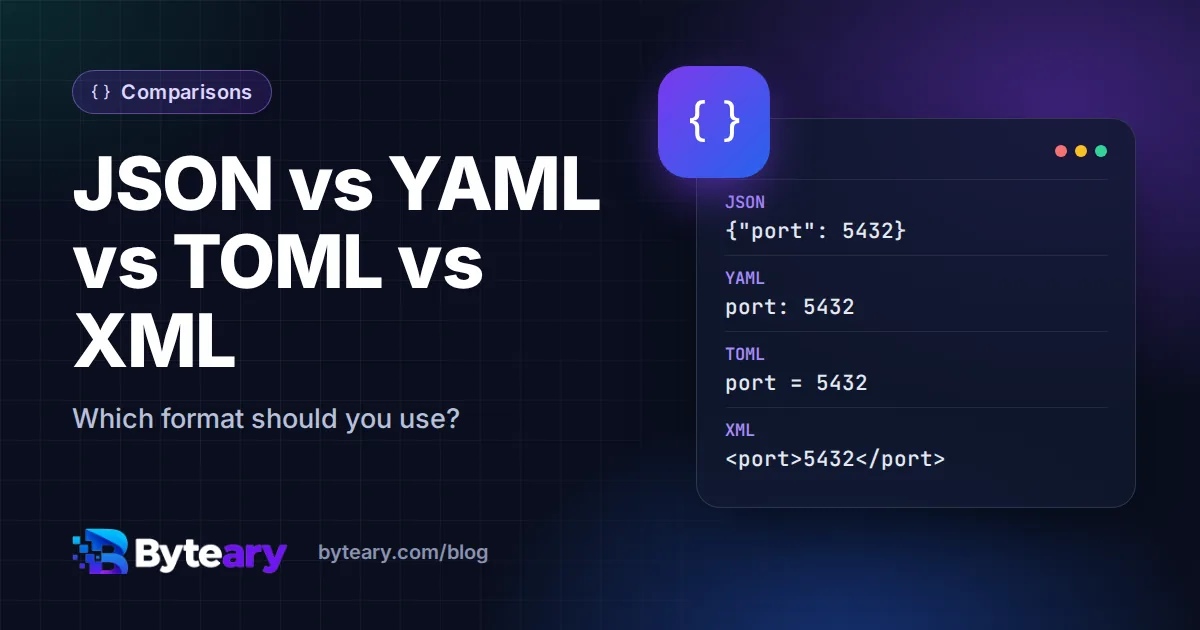
JSON, YAML, TOML and XML can all describe the same data. Which one you use is mostly decided for you - package.json, Kubernetes manifests, pyproject.toml, sitemaps - but when you get to choose, for a config file or an API, the differences matter. Here is the same small config in all four.
The same data in four formats
JSON
{
  "name": "invoice-kit",
  "debug": false,
  "database": { "host": "db.internal", "port": 5432 },
  "features": ["pdf", "csv"]
}
YAML
# Settings for invoice-kit
name: invoice-kit
debug: false
database:
  host: db.internal
  port: 5432
features:
  - pdf
  - csv
TOML
# Settings for invoice-kit
name = "invoice-kit"
debug = false
features = ["pdf", "csv"]

[database]
host = "db.internal"
port = 5432
XML
<config>
  <name>invoice-kit</name>
  <debug>false</debug>
  <database host="db.internal" port="5432"/>
  <features><feature>pdf</feature><feature>csv</feature></features>
</config>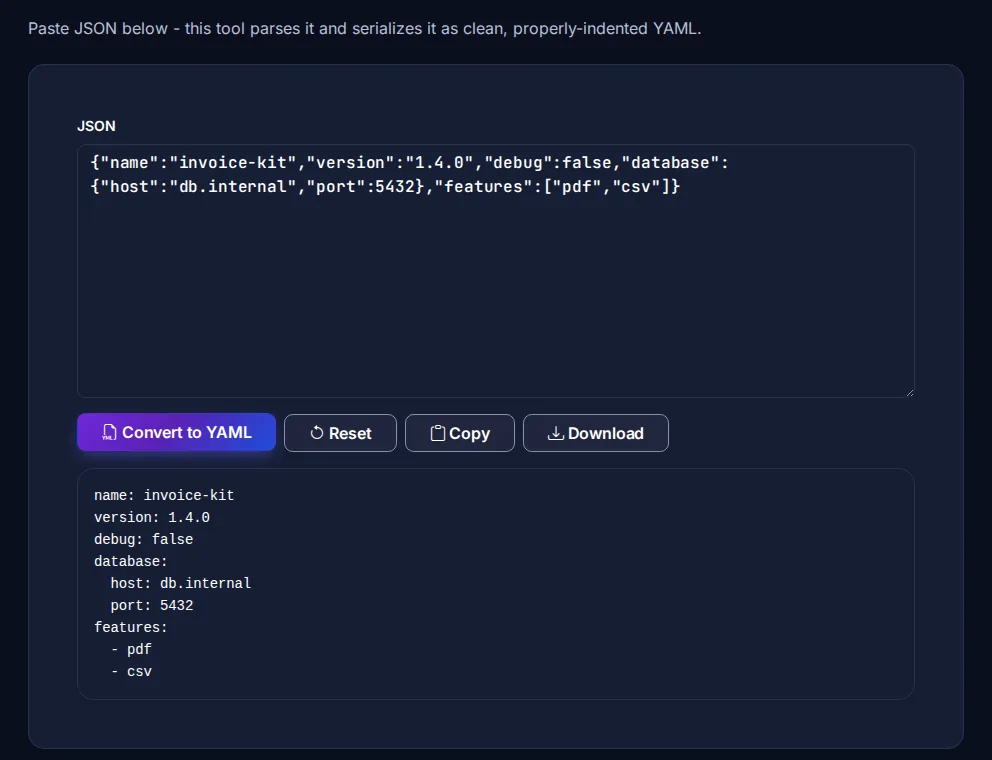
Feature comparison
| JSON | YAML | TOML | XML | |
|---|---|---|---|---|
| Comments | No | Yes (#) | Yes (#) | Yes (<!-- -->) |
| Data types | String, number, boolean, null, array, object | Same, plus dates and more | Same, plus dates and times; no null | Everything is text unless a schema says otherwise |
| Structure by | Braces | Indentation | Sections [table] | Tags |
| Readability for humans | Good | Very good | Very good | Verbose |
| Parsing strictness | Very strict, simple | Complex spec, many edge cases | Strict, simple | Strict, with schemas (XSD) |
| Typical use | APIs, package.json, data exchange | Kubernetes, CI pipelines, Docker Compose | Rust (Cargo.toml), Python (pyproject.toml) | Sitemaps, RSS, SVG, SOAP, Office files |
The traps in each format
- JSON: no comments and no trailing commas - a single extra comma breaks the file. Our guide to formatting and validating JSON covers the common errors, and the JSON Validator points to the exact line.
- YAML: indentation is meaning, and tabs are not allowed. Unquoted values are guessed: in YAML 1.1 parsers (still common, including PyYAML),
no,offandyesbecome booleans - the famous "Norway problem" where the country codeNOturns intofalse. Version numbers such as1.10can become the number 1.1. Quote strings that could be misread. - TOML: deeply nested data gets awkward, with long
[a.b.c]headers, and there is no null value. - XML: verbose, and you must choose between attributes and child elements for every field. Parsers must be configured to reject external entities to avoid XXE attacks.
Verdict
- APIs and data exchange between programs: JSON. Every language parses it the same way.
- Config files people edit by hand: TOML if your ecosystem supports it; YAML if your tools expect it (Kubernetes, GitHub Actions, Compose) - with strings quoted.
- Documents and industry standards: XML, where a standard requires it (sitemaps, RSS, SVG) or you need schema validation.
Converting between them
Moving a config from one format to another is mechanical, as long as the data fits both - comments are lost when converting to JSON, and XML attributes have no direct JSON equivalent. Byteary has converters for each pair: JSON to YAML and YAML to JSON, JSON to TOML and TOML to JSON, and JSON to XML and XML to JSON. The specifications are worth a look for edge cases: JSON (RFC 8259), YAML 1.2 and TOML 1.0.